
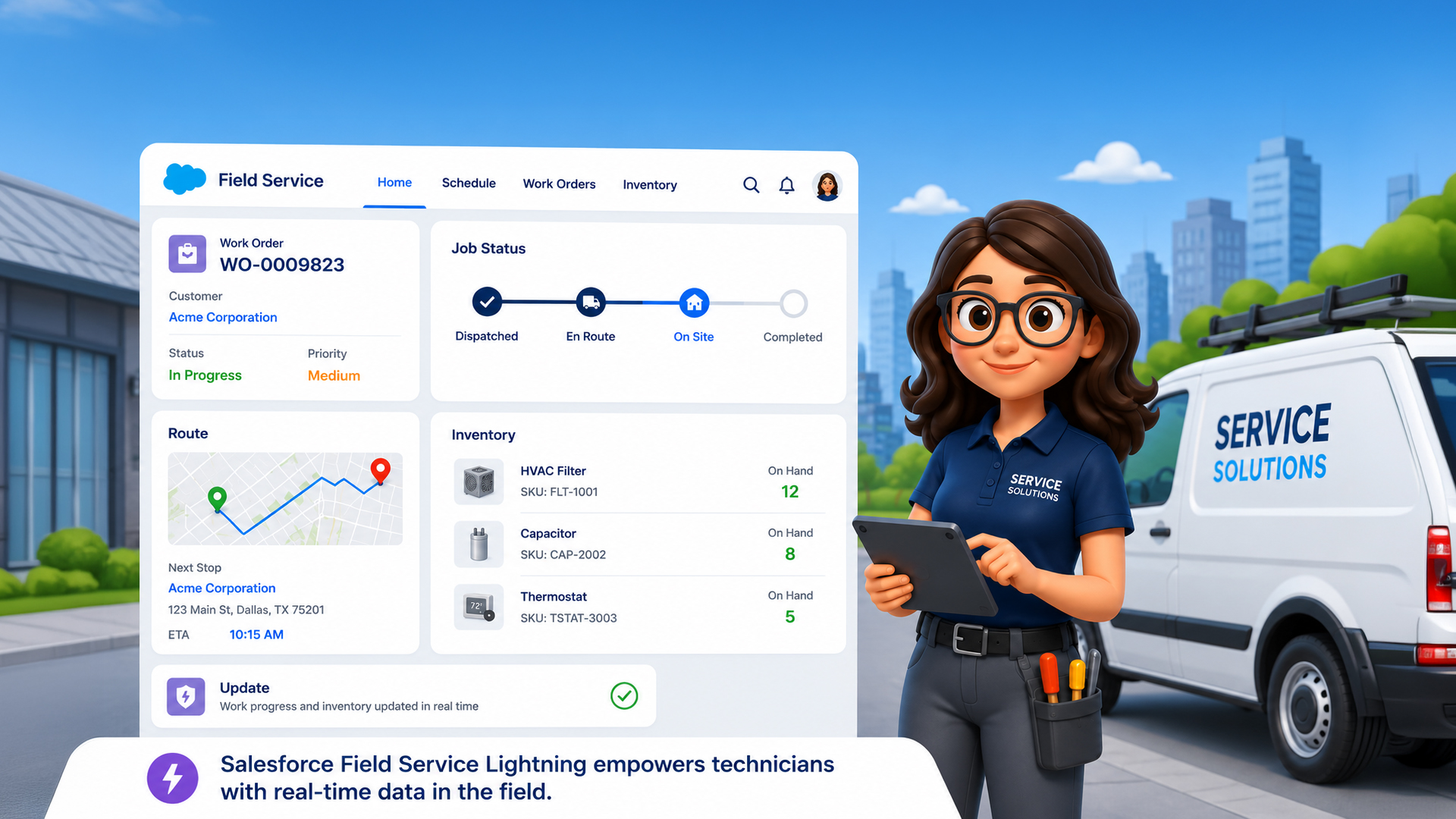
If you’re overseeing field operations at any scale — whether it’s a fleet of technicians maintaining industrial equipment, utility engineers handling outages, or healthcare device technicians on daily rounds — you already know the chaos that comes with poor coordination.
Missed appointments. Technicians showing up without the right parts. Dispatchers scrambling through spreadsheets. Customers calling back because the issue wasn’t resolved the first time.
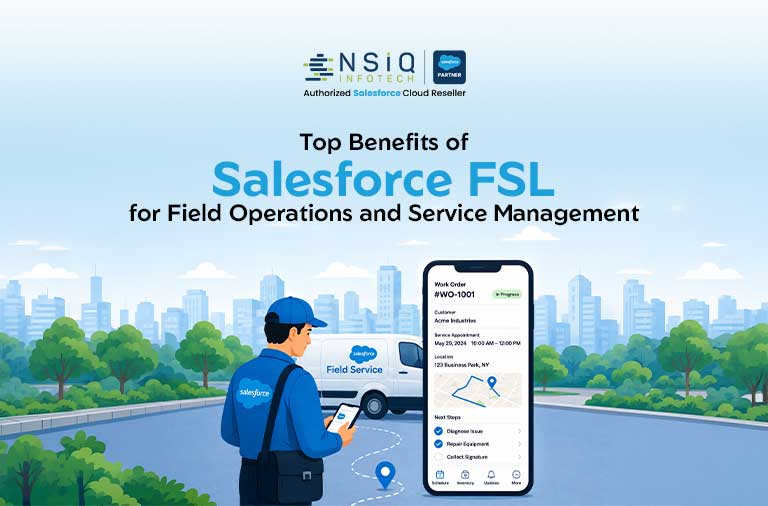
Salesforce Field Service Lightning (FSL) is built specifically to eliminate these pain points. It’s not just a scheduling tool. It’s a complete field service management platform that connects your back office, dispatchers, and mobile workforce in real time.
In this article, we’ll break down the top benefits of Salesforce FSL — and show you why COOs, Field Service Heads, and Operations Directors across manufacturing, utilities, telecom, healthcare, and property management are investing in it right now.
What Is Salesforce Field Service Lightning?
Salesforce Field Service Lightning (now officially called Salesforce Field Service) is a module built on the Salesforce platform. It helps companies manage work orders, schedule and dispatch technicians, track inventory, and deliver real-time visibility into every field operation — all from a single connected system.
Unlike traditional field service tools that operate in silos, FSL connects seamlessly with Sales Cloud, Service Cloud, and third-party systems. This gives your team one unified view of the customer, the job, and the resource — at all times.
It works across web and mobile, which means your technicians in the field and your dispatchers in the office are always on the same page.
Why Field Service Optimization Is No Longer Optional
Field service teams are under increasing pressure. Customers expect faster response times. Operations leaders need tighter cost controls. And the workforce itself is getting more dispersed and harder to manage manually.
According to Salesforce’s State of Service Report, 80% of service organizations say they are expected to contribute to revenue — not just manage support. That’s a fundamental shift. Your field teams aren’t just fixing problems anymore; they’re expected to drive customer satisfaction and business growth.
At the same time, McKinsey research shows that field service digitization can reduce operational costs by 10–20% and improve first-time fix rates by up to 20 percentage points. The question isn’t whether you should invest in field service optimization — it’s how quickly you can get there.
Salesforce FSL is one of the fastest, most scalable ways to do it.
Top Benefits of Salesforce FSL
1. Smarter Scheduling and Dispatch
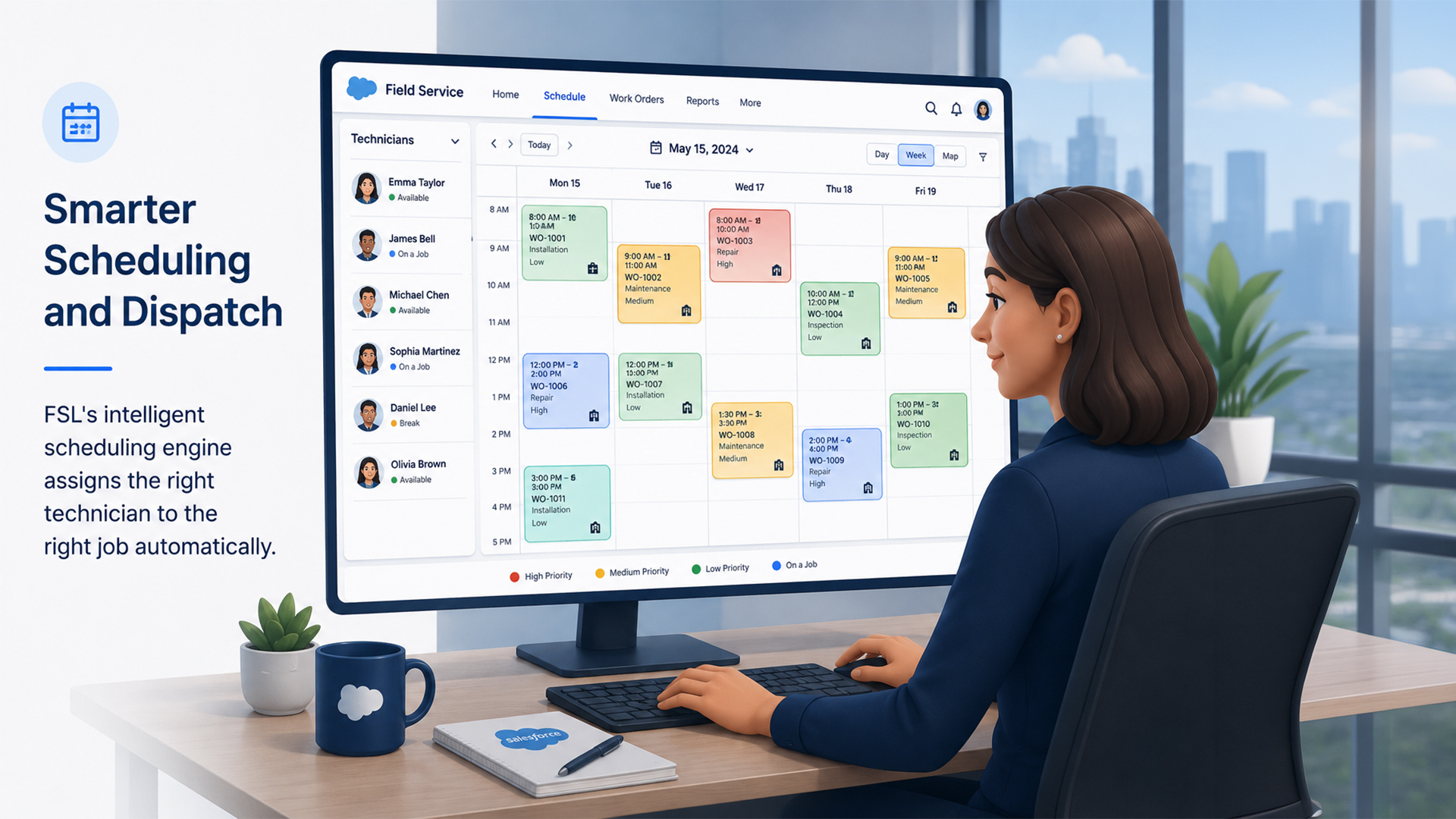
One of the biggest challenges in field operations is getting the right technician to the right job at the right time. When done manually, this process is slow, error-prone, and expensive.
Salesforce FSL uses an intelligent Scheduling Optimization Engine that considers dozens of variables automatically:
- Technician skills and certifications
- Geographic location and proximity
- Real-time traffic and travel time
- Parts availability
- Priority level of the work order
- Shift hours and overtime limits
The result? Dispatchers spend less time juggling spreadsheets and more time handling exceptions. And your customers get faster, more accurate service windows.
Real-World Scenario
A telecom company managing over 500 field technicians reduced dispatch decision time by 60% after implementing FSL’s automated scheduling. Their technicians now receive job assignments directly on their mobile devices, complete with turn-by-turn navigation and all customer history.
2. FSL Inventory Management That Prevents First-Visit Failures
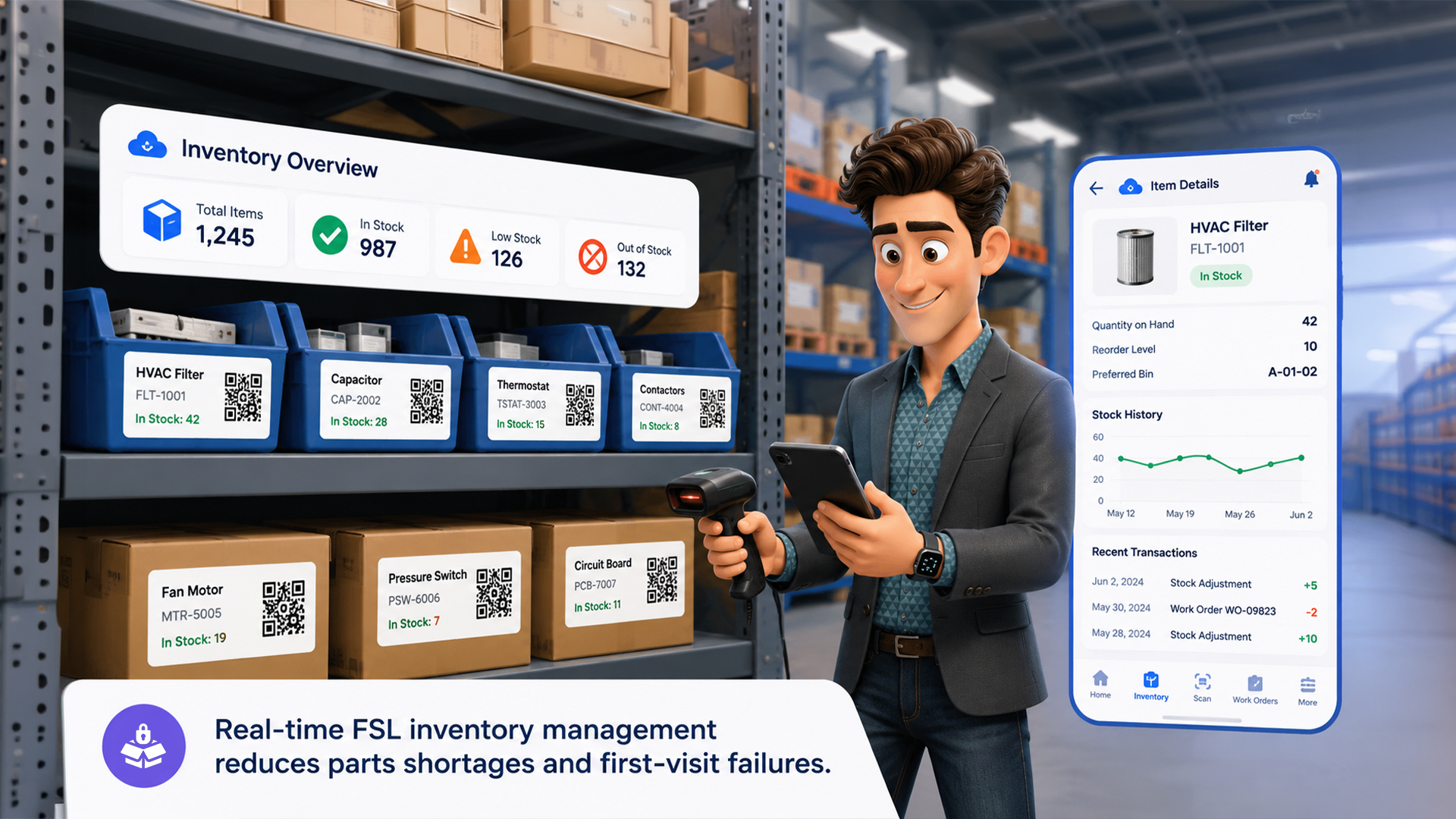
Nothing frustrates a customer more than a technician who shows up without the right parts. And for your business, it means a second visit — doubling your cost for that job.
FSL inventory management gives your operations team full visibility into parts and materials across every location: trucks, warehouses, storerooms, and even individual technician kits.
Key Capabilities Include:
- Real-time parts tracking by location and technician
- Automated reorder triggers when stock falls below threshold
- Work order-linked parts requests so technicians know what to bring
- Inventory transfers between locations via a mobile app
- Full audit trail for compliance and reporting
This level of inventory intelligence is especially critical in manufacturing and equipment maintenance, where a missing $20 part can halt a production line worth millions.
Quick Win
Set up FSL’s “Required Products” feature on work order templates so that every job type automatically triggers a parts checklist — before the technician ever leaves the depot.
3. Mobile-First Technician Experience
Your technicians are your frontline. How they experience their tools directly impacts their productivity — and your customer’s satisfaction.
Salesforce FSL’s mobile app (available on iOS and Android) is designed specifically for field technicians. It works online and offline, which is critical for technicians working in basements, remote locations, or areas with poor connectivity.
With the FSL Mobile App, Technicians Can:
- View full job details, customer history, and site notes
- Access knowledge articles and troubleshooting guides
- Capture photos, signatures, and custom checklists
- Update job status in real time
- Request parts and transfer inventory
- Log time and generate service reports on the spot
This isn’t just about convenience. It’s about empowering your field technician management with tools that eliminate guesswork and reduce data entry errors.
4. Real-Time Operational Visibility for Leadership
As a COO or Operations Director, you shouldn’t have to wait for end-of-day reports to know what’s happening in the field.
Salesforce FSL provides real-time dashboards and reporting that give you live visibility into:
- Job completion rates by region, technician, and job type
- SLA compliance and breach alerts
- First-time fix rates
- Technician utilization and idle time
- Customer satisfaction scores (integrated with CSAT surveys)
You can drill down by geography, team, or time period — and set up automated alerts so you’re notified immediately if an SLA is at risk.
This kind of operational transparency helps leadership make faster, more confident decisions — and gives field service heads the data they need to coach their teams effectively.
5. Elevated Customer Experience
According to Gartner, organizations that implement field service management platforms see customer satisfaction scores improve by an average of 15–20% within the first year.
FSL directly contributes to better customer experiences through:
- Accurate appointment windows (not vague 4-hour slots)
- Automated appointment reminders via SMS and email
- Real-time technician tracking (similar to ride-sharing apps)
- Post-service surveys triggered automatically
- A complete service history so technicians arrive informed
For industries like healthcare and property management — where trust and reliability are non-negotiable — this kind of customer-facing visibility is a significant differentiator.
6. Seamless Work Order and SLA Management
Managing work orders across multiple regions, teams, and service tiers is complex. FSL simplifies it with structured, automated work order management.
You Can:
- Create work orders manually or automatically from cases, sales opportunities, or IoT alerts
- Define SLA policies by priority tier and customer type
- Set up escalation rules that trigger when milestones are at risk
- Track every work order through its full lifecycle — from creation to closure
- Attach required skills, parts, and safety checklists to work order templates
For utilities and energy companies managing thousands of service requests during peak demand periods, this structured approach to SLA management is what keeps operations from spiraling out of control.
7. Integration with the Full Salesforce Ecosystem
One of FSL’s most underrated advantages is how naturally it connects with the rest of Salesforce.
If you’re already using Sales Cloud or Service Cloud, FSL extends that value rather than replacing it. Your service agents can create field work orders directly from a customer case. Your sales reps can schedule an installation from an opportunity. And your finance team can trigger invoices from completed work orders — all within the same platform.
FSL also integrates with third-party tools through Salesforce’s MuleSoft and open APIs — including ERP systems, telematics platforms, IoT sensors, and billing software.
This connected approach eliminates the data silos that make field service operations so difficult to manage at scale.
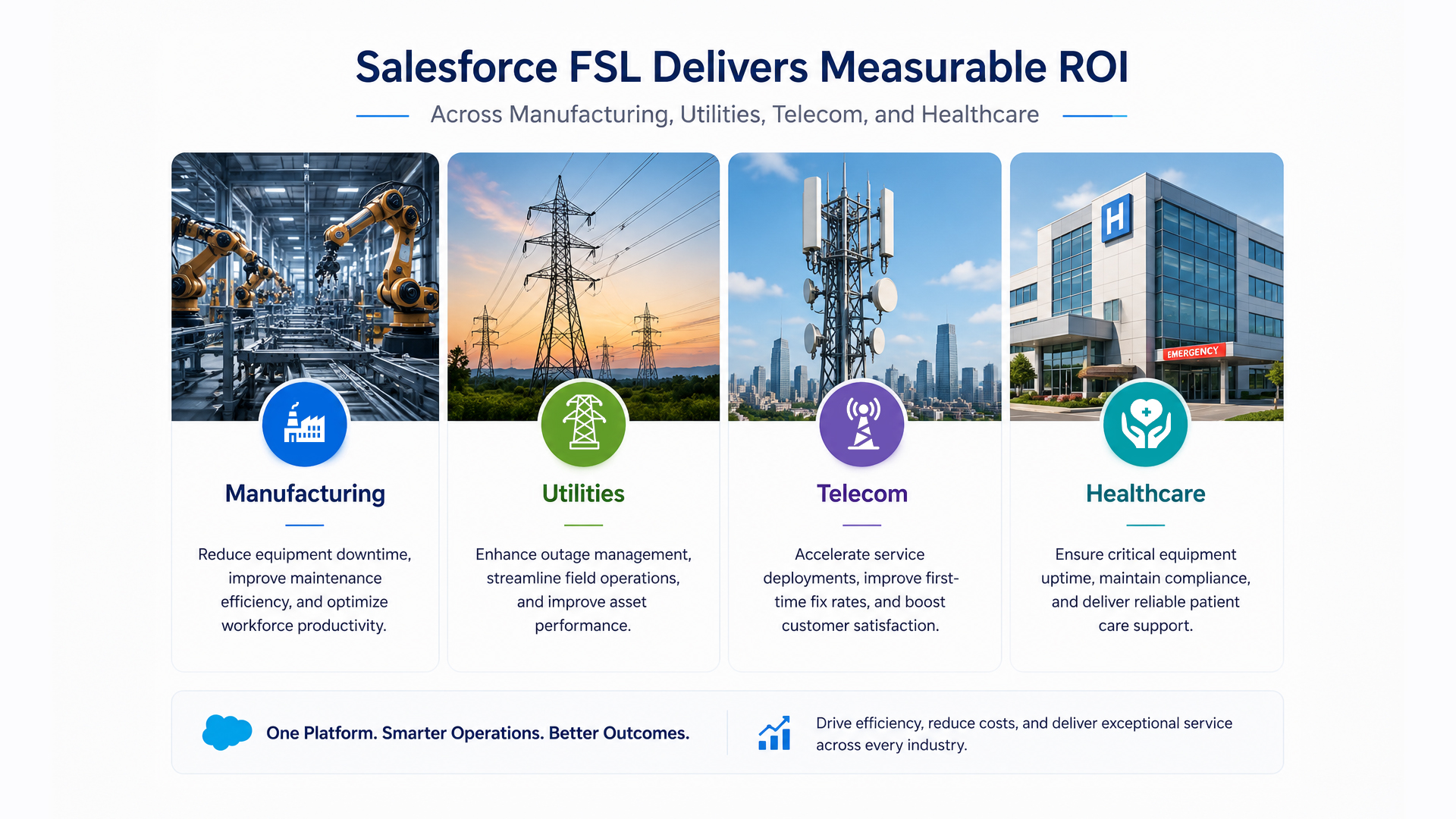
Industries That Gain the Most from Salesforce Field Service
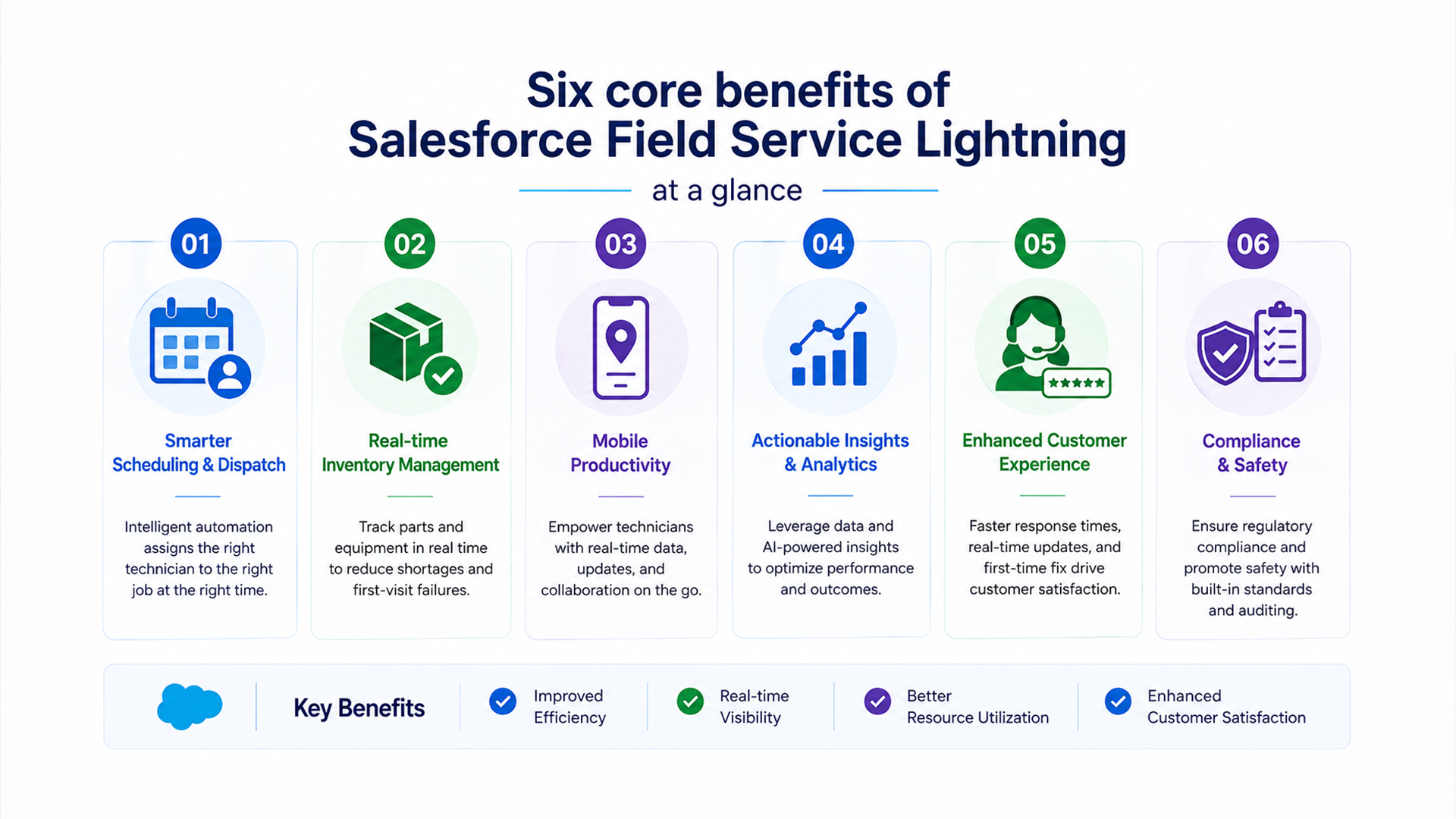
Infographic-Friendly Summary: 6 Core Benefits of Salesforce FSL at a Glance
How NSIQ INFOTECH Helps You Get FSL Right
Implementing Salesforce FSL is not a plug-and-play exercise. The platform is powerful — but like any enterprise system, the value you get out of it depends heavily on how well it’s configured for your specific workflows.
At NSIQ INFOTECH, we specialize in end-to-end Salesforce Field Service implementations tailored to your industry. Whether you’re deploying FSL for the first time or optimizing an existing setup, our team brings deep technical expertise and operational insight to every project.
What We Help With:
- FSL configuration and customization for your specific service workflows
- FSL inventory management setup including parts tracking, reorder rules, and mobile access
- Scheduling optimization using FSL’s built-in AI engine
- Mobile app customization for your technician workflows
- Dashboard and reporting setup for leadership visibility
- Integration with your existing ERP, billing, or telematics systems
- Training and change management for dispatchers, technicians, and managers
Our clients across manufacturing, utilities, telecom, and healthcare have achieved measurable results — including reduced first-visit failure rates, improved SLA compliance, and significant cost savings in field operations.
Ready to Transform Your Field Operations?
If your field service team is still relying on spreadsheets, manual dispatch, or disconnected tools — you’re leaving efficiency and customer satisfaction on the table.
Book a free consultation with NSIQ INFOTECH and let our Salesforce FSL experts assess your current operations, identify your biggest pain points, and design a roadmap that delivers results fast.
Schedule Your Free FSL Demo with NSIQ INFOTECH
No pressure. Just a focused conversation about how Salesforce Field Service can work for your specific operations.

1. What is Salesforce Field Service Lightning (FSL)?
Salesforce FSL is a field service management platform built on Salesforce that helps companies manage work orders, schedule technicians, track inventory, and deliver real-time operational visibility — all in one connected system.
2. What are the main benefits of Salesforce FSL?
The key benefits include intelligent scheduling and dispatch, real-time FSL inventory management, a mobile app for field technicians, live dashboards for leadership, improved customer experience tools, and seamless integration with the broader Salesforce ecosystem.
3. How does FSL help with inventory management?
FSL tracks parts and materials in real time across all locations — trucks, depots, and warehouses. It links inventory to work orders, triggers automated reorders, and gives technicians mobile access to check and request parts before arriving on-site.
4. Is Salesforce FSL suitable for large field teams?
Yes. FSL is designed to scale from small service teams to thousands of technicians across multiple regions. Its intelligent scheduling engine can optimize hundreds of jobs and technicians simultaneously.
5. Does FSL work offline?
Yes. The Salesforce FSL mobile app supports full offline functionality. Technicians can view job details, update statuses, capture photos, and complete checklists even without internet connectivity. Data syncs automatically when connection is restored.
6. How does FSL improve first-time fix rates?
By ensuring technicians arrive with the right skills, the right parts, and full customer context — FSL directly reduces the need for repeat visits. This is achieved through skills-based scheduling, integrated inventory management, and pre-populated job information on the mobile app.
7. Which industries benefit most from Salesforce FSL?
FSL delivers strong ROI in manufacturing and equipment, utilities and energy, telecommunications, healthcare and life sciences, and property management and facilities.
8. Can FSL integrate with our existing ERP or billing system?
Yes. Salesforce FSL integrates with third-party systems via MuleSoft and open APIs. Common integrations include SAP, Oracle, Microsoft Dynamics, and various telematics and IoT platforms.
9. What is the difference between Salesforce FSL and Service Cloud?
Service Cloud handles customer support cases and contact center operations. FSL extends Service Cloud specifically for field operations — adding scheduling, dispatching, mobile tools, and inventory management for technicians working outside the office.
10. How long does a typical FSL implementation take?
Implementation timelines vary by complexity and scope. A standard FSL deployment typically takes 8–16 weeks. Larger implementations with custom workflows, integrations, and data migration can take longer.
11. What is the FSL Scheduling Optimization Engine?
It’s Salesforce’s AI-powered tool within FSL that automatically matches technicians to jobs based on skills, location, availability, parts, and priority — dramatically reducing manual dispatch effort.
12. Does FSL support field technician management including certifications?
Yes. FSL allows you to track technician skills, certifications, and license expiry dates. Scheduling rules can require specific certifications for certain job types, ensuring only qualified technicians are assigned.
13. Can customers track their technician’s location with FSL?
Yes. FSL supports customer-facing appointment tracking, similar to ride-sharing apps. Customers receive automated notifications and can track their technician’s real-time location as they approach.
14. What reporting capabilities does Salesforce FSL offer?
FSL includes pre-built dashboards and reports covering SLA compliance, first-time fix rates, technician utilization, inventory consumption, and customer satisfaction. Custom reports can be built using Salesforce’s native reporting tools.
15. How can NSIQ INFOTECH help with Salesforce FSL?
NSIQ INFOTECH provides end-to-end Salesforce FSL implementation services — from initial configuration and inventory setup to mobile app customization, system integration, and ongoing optimization. We tailor every deployment to your industry and workflow requirements.
Conclusion
Field service operations have never been more demanding — and the tools you use to manage them can either multiply your team’s effectiveness or hold them back.
Salesforce Field Service Lightning is one of the most comprehensive platforms available for companies serious about field service optimization. From intelligent scheduling and real-time FSL inventory management to mobile-first technician tools and leadership dashboards, it addresses the full spectrum of challenges that COOs and Operations Directors face daily.
The real ROI isn’t just in the technology — it’s in what that technology enables: faster resolutions, fewer repeat visits, better SLA compliance, and customers who trust your service team to show up prepared and get the job done right.
If you’re evaluating Salesforce FSL or looking to get more value from an existing deployment, NSIQ INFOTECH is here to help. Our team has the industry expertise and technical depth to make your FSL implementation a genuine competitive advantage — not just another software rollout.