
Sign Documents Faster.
Approve Business Smarter.
Simplify Document Signing, Accelerate Approvals, And Enhance Business Efficiency With Signforce Digital Signature Solutions.
100% Secure · Instant Setup

100% native installs from a managed package

No third-party data processors

Works in Experience Cloud & internal Salesforce

Salesforce AppExchange
What is SignForce ?
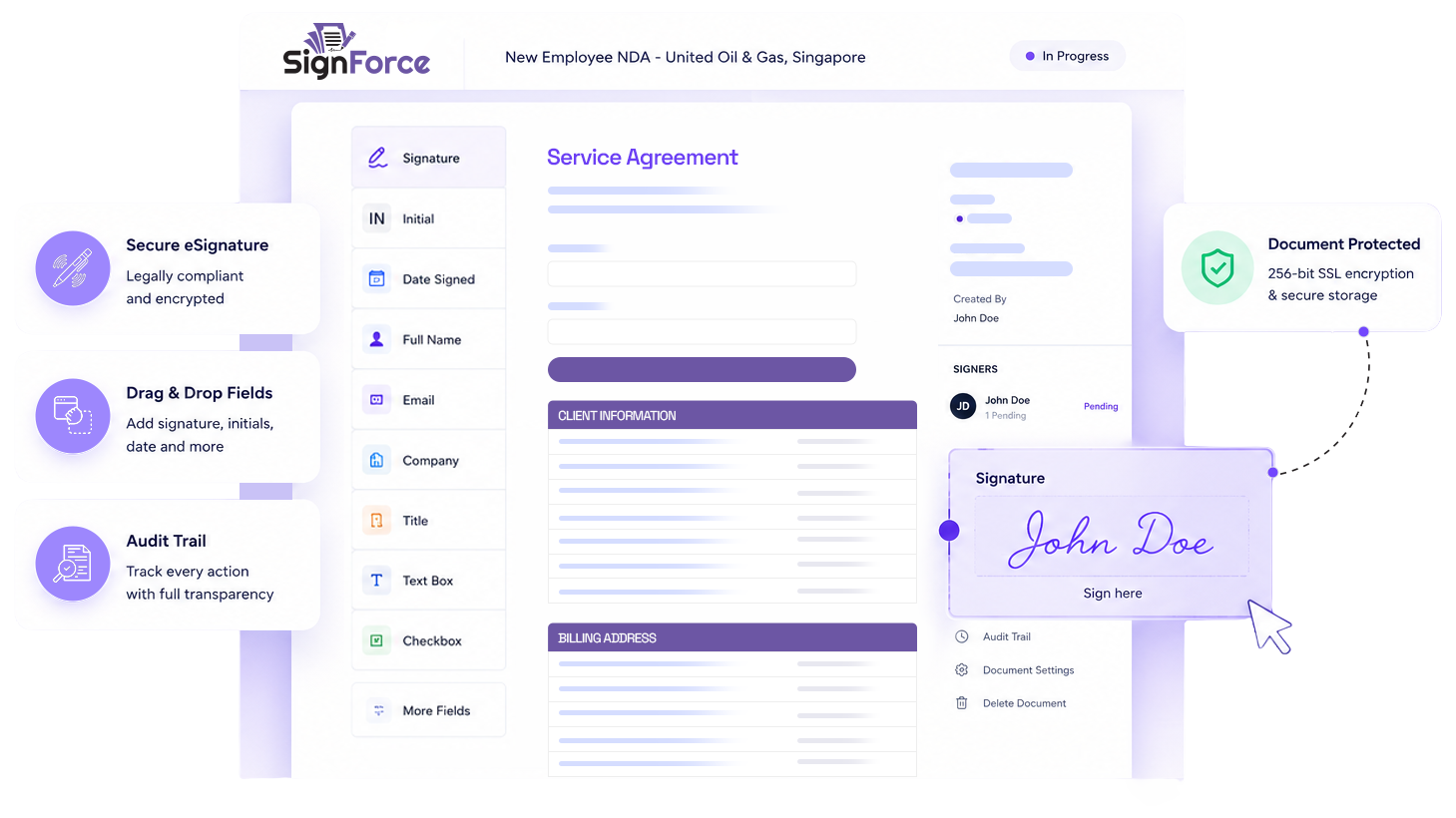
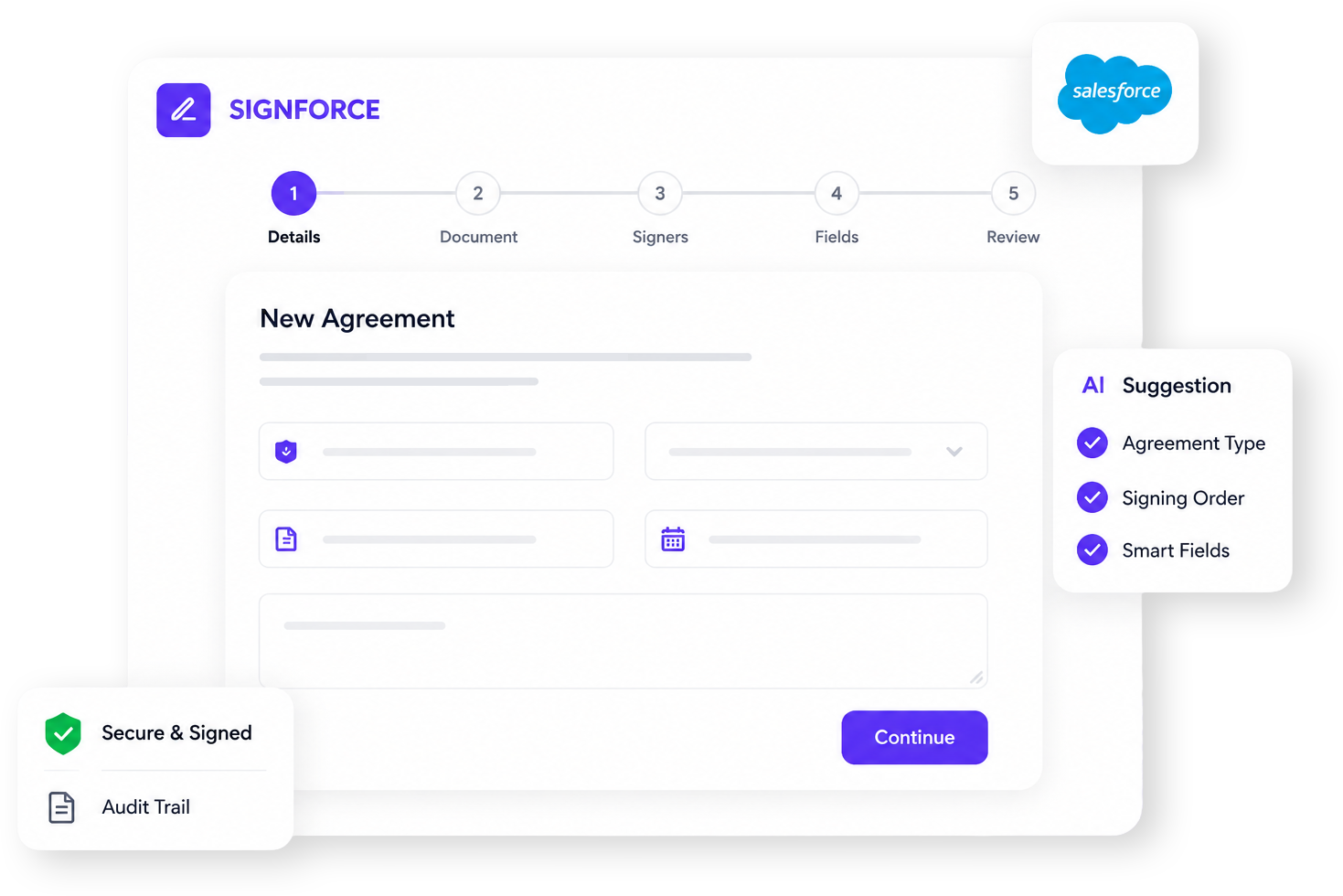
SignForce is a complete, Salesforce-native digital agreement platform. It covers the full lifecycle of a business document: generating it automatically from templates, routing it to one or more signers in the right order, capturing legally meaningful electronic signatures, and producing a tamper-evident signed document with a court-ready Certificate of Completion — all without the document ever leaving the customer's trusted environment.
It is built as a Salesforce managed package, supported by a lightweight AWS processing service for PDF conversion and signature stamping. Because it lives inside Salesforce, every agreement is automatically connected to the CRM records, users, and processes a business already runs on.
Why We Built SignForce?
Most organisations handle agreements in fragmented ways: documents are drafted manually in Word, emailed back and forth for signatures, printed, scanned, and finally uploaded somewhere they are hard to find. This creates four concrete problems:
No control over signing
Email-based signing has no enforced order, no reminders, and no visibility into who has signed and who is holding things up.
Weak legal evidence
A scanned signature proves very little. There is no audit trail, no identity binding, and no way to detect if the document was altered after signing.
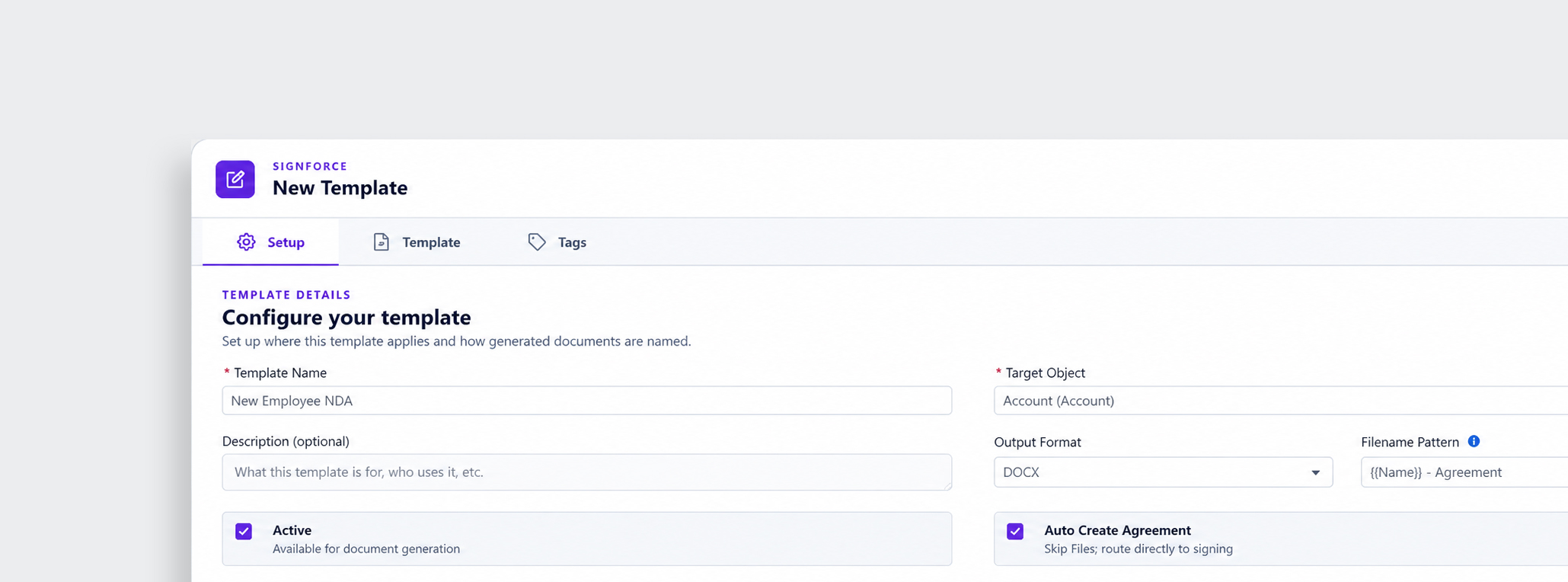
Cost and data separation
Third-party e-signature tools are priced per envelope, store documents outside the company's systems, and require constant copy-pasting of data between the CRM and the signing tool.
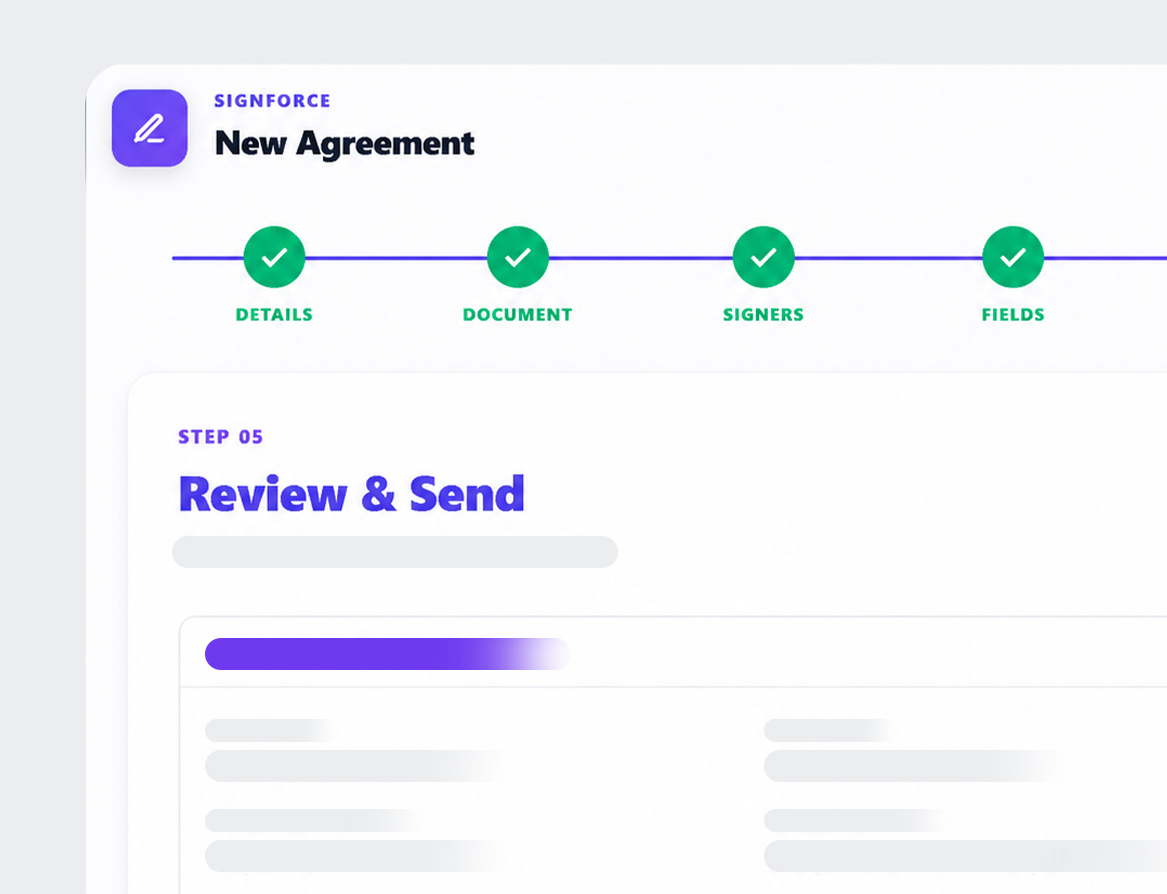
Slow, error-prone drafting
Drafting the same contract again and again wastes hours and invites copy-paste errors.
Manage Agreements With Your Voice
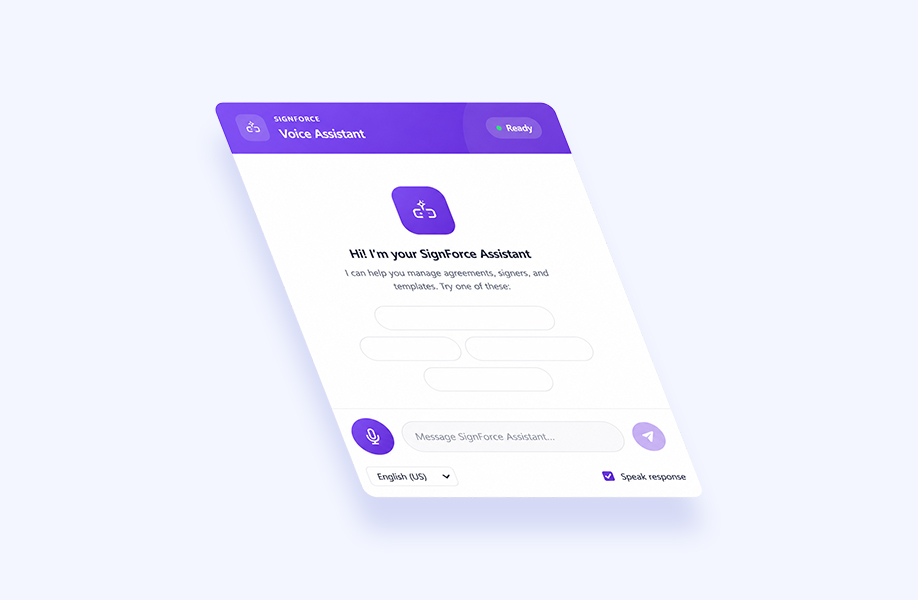
SignForce integrates with Salesforce Einstein to offer a fully voice-enabled assistant widget. Check agreement status, view pending signatures, and trigger template generation hands-free with simple commands.
Manage agreements using simple voice commands to create, search, and update documents. Eliminate repetitive tasks and work faster with hands-free automation.
Instantly ask for the status of any agreement, approval, or signature. Einstein AI retrieves live Salesforce data so you always have the latest information.
Monitor pending, completed, or overdue signatures with AI-powered voice assistance. Keep approvals moving without manually searching through records.
Hi! I'm your SignForce Assistant
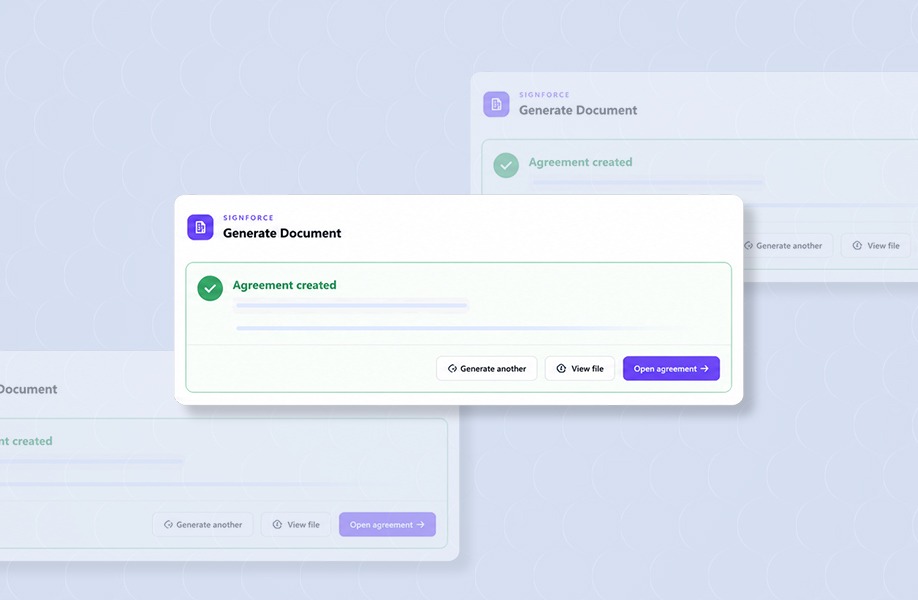
Generate agreements from approved templates using natural language commands. Einstein AI helps speed up document creation while maintaining consistency and accuracy.
Quickly find agreements, templates, or customer records with conversational AI. Einstein understands your requests and delivers relevant results in seconds.
Built entirely within the Salesforce ecosystem, SignForce keeps your agreement data secure while leveraging Einstein AI for intelligent automation and voice-driven workflows.
Sign Smarter in Just Four Steps
Automate document generation, manage approvals, capture secure signatures, and complete agreements faster without leaving Salesforce.
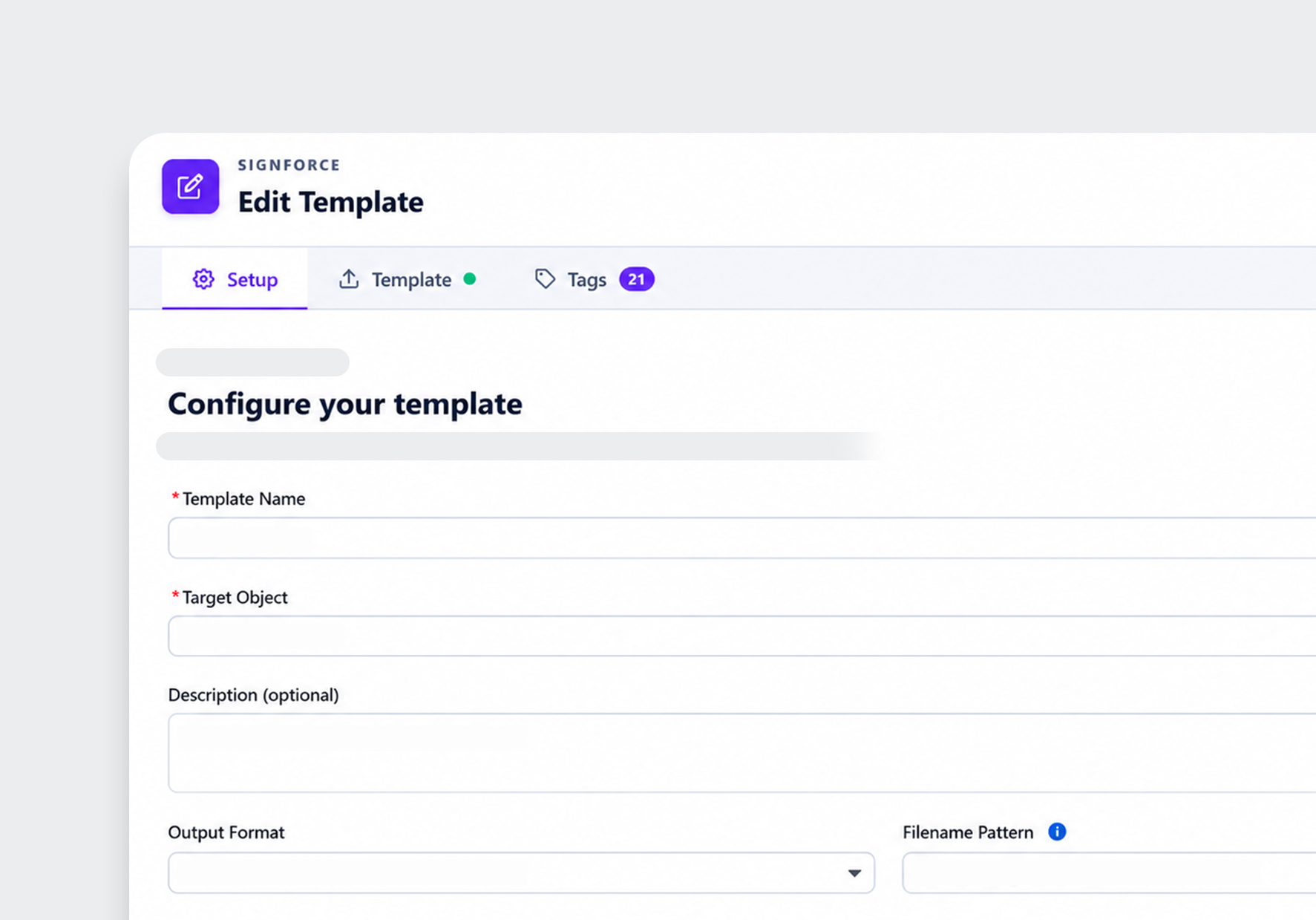
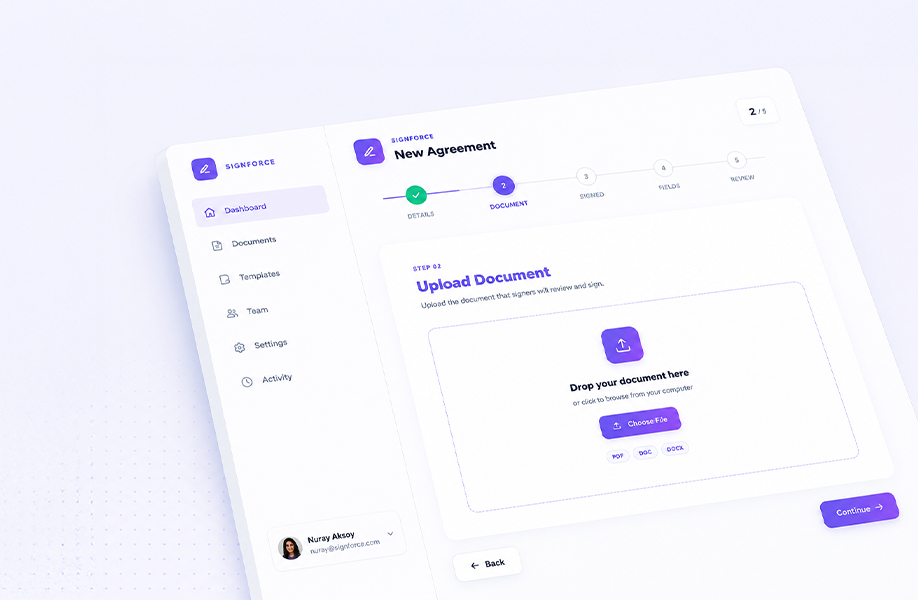
Open a Salesforce record, attach your document, or configure a reusable template to automate layout fields.
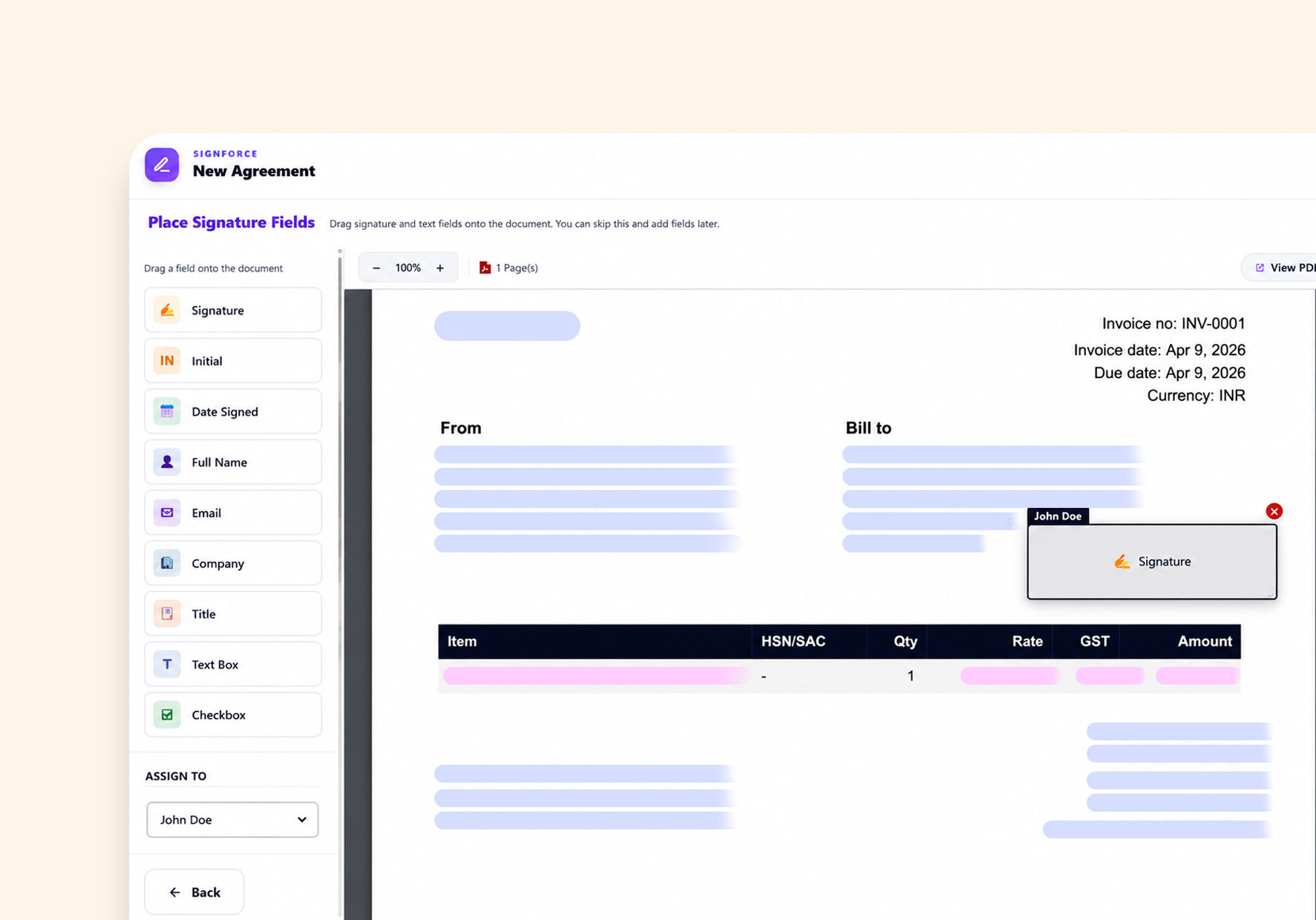
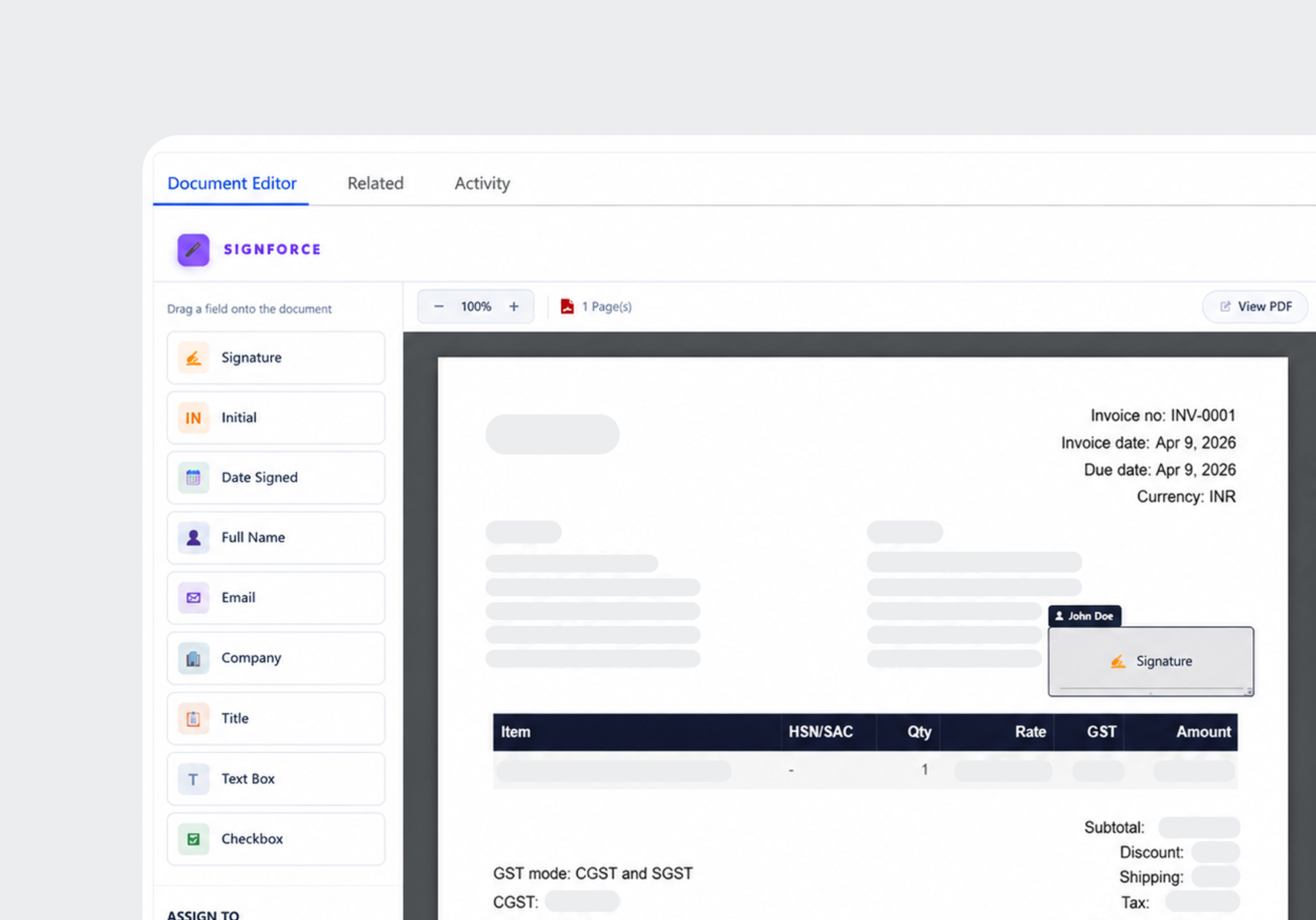
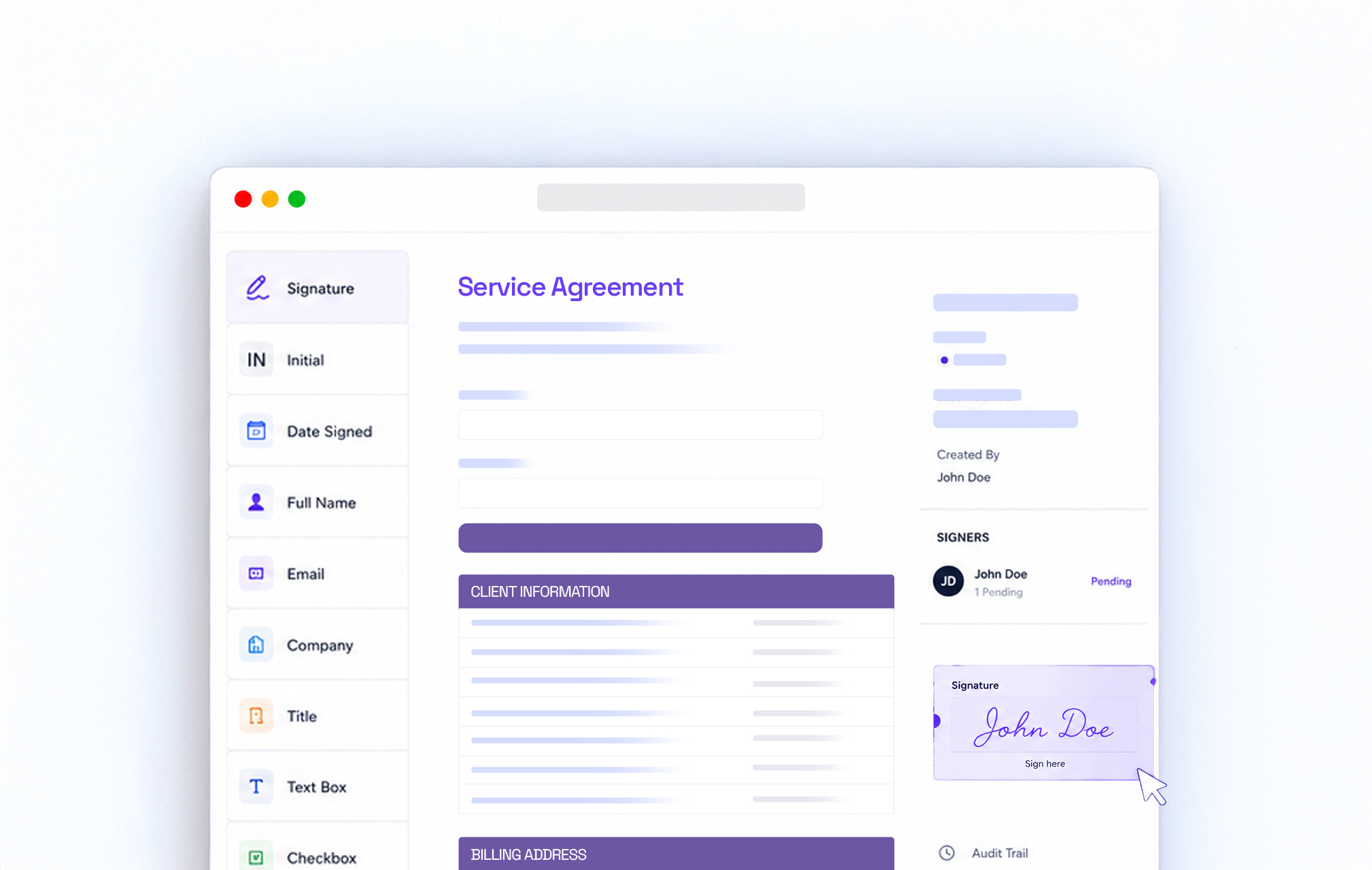
Drag signature, initial, date, and custom data fields directly onto the PDF canvas and assign roles to signers.
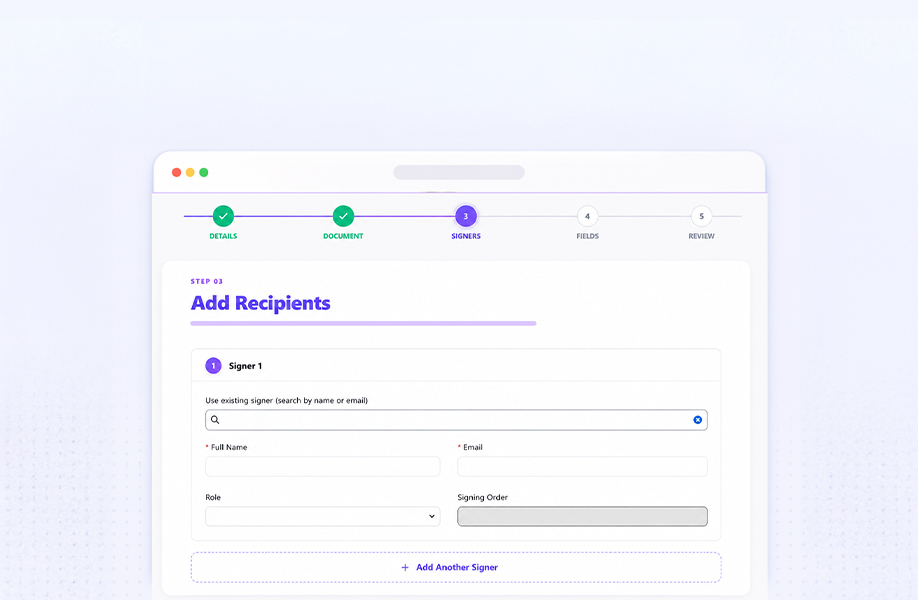
Select the signers, define the signing order, and send secure signing links with just one click for a seamless signing experience.
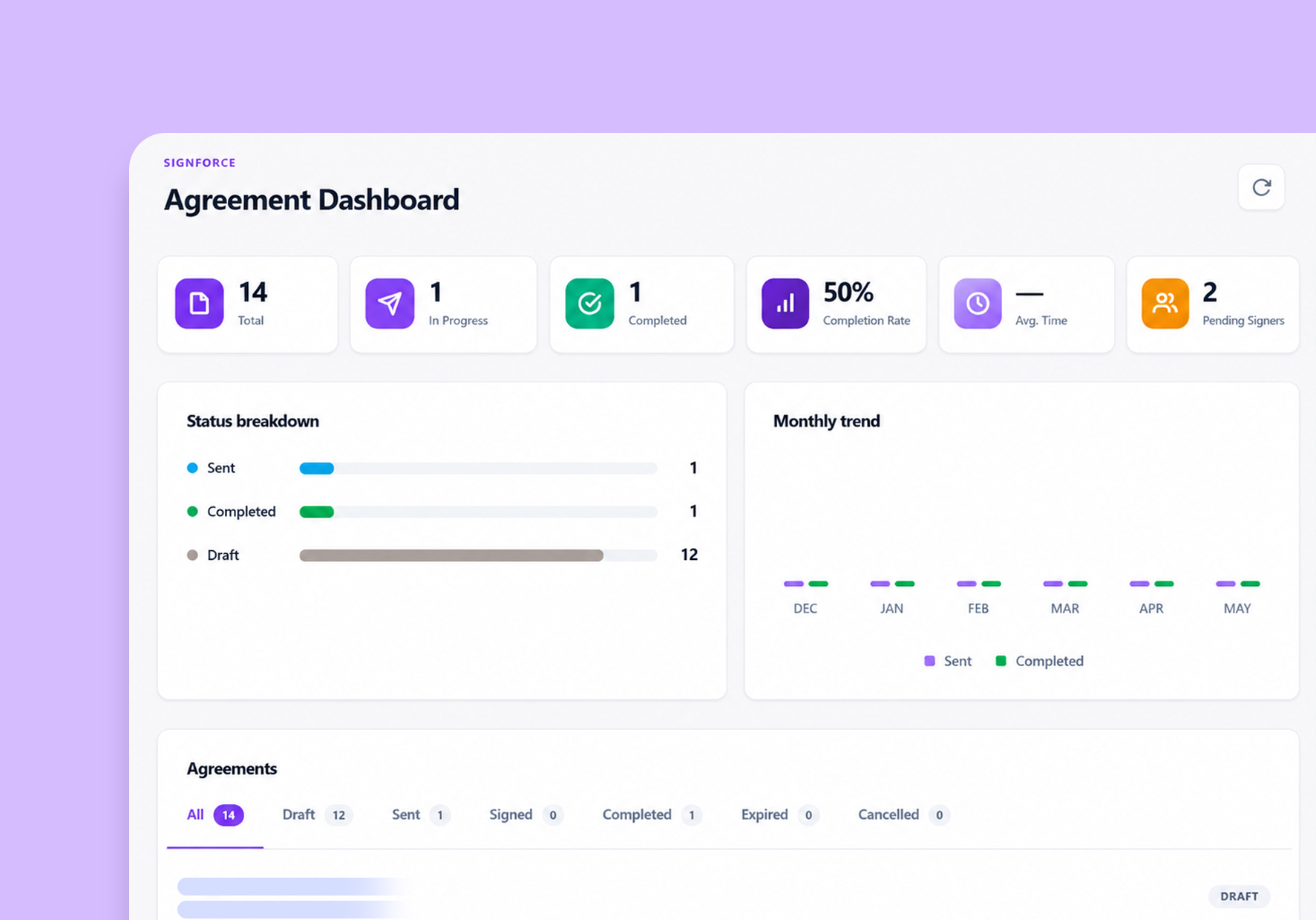
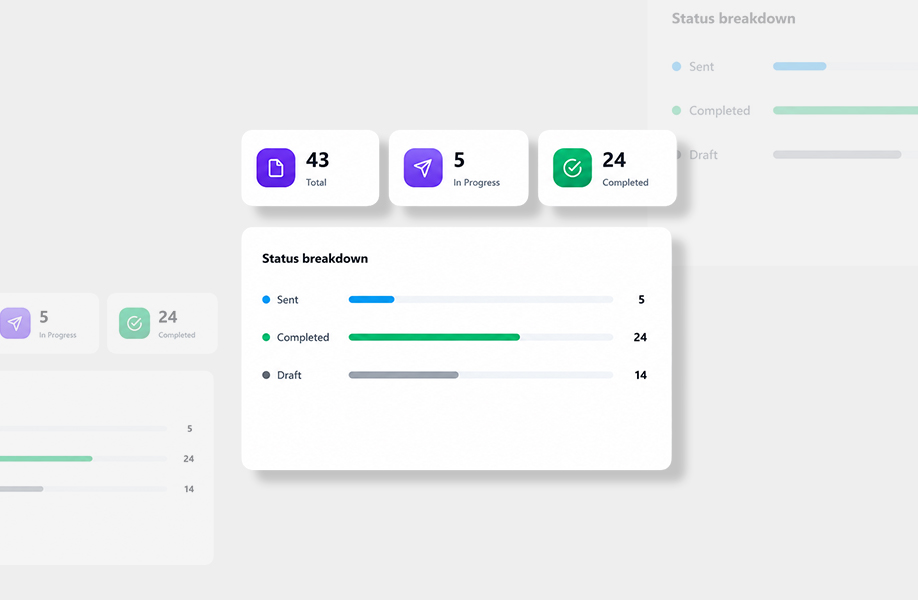
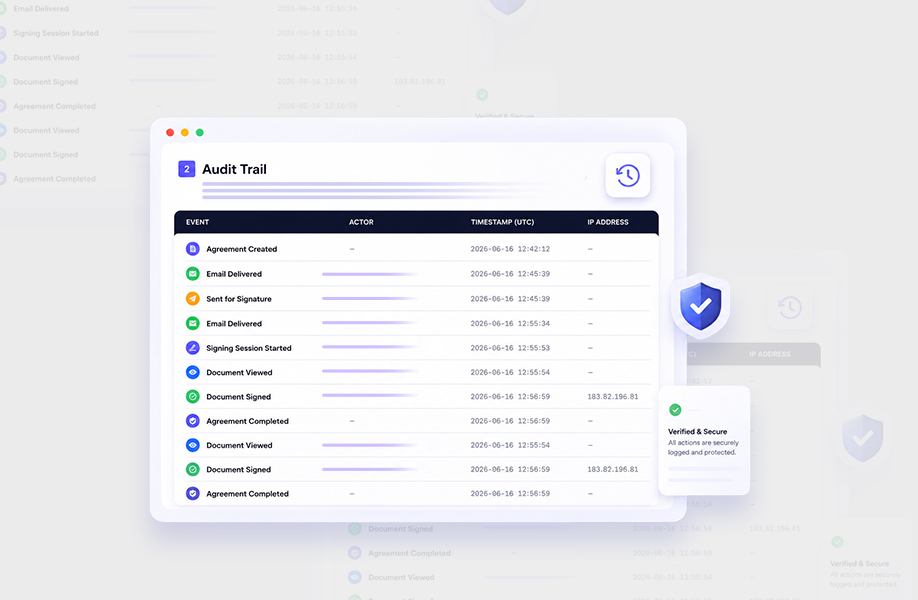
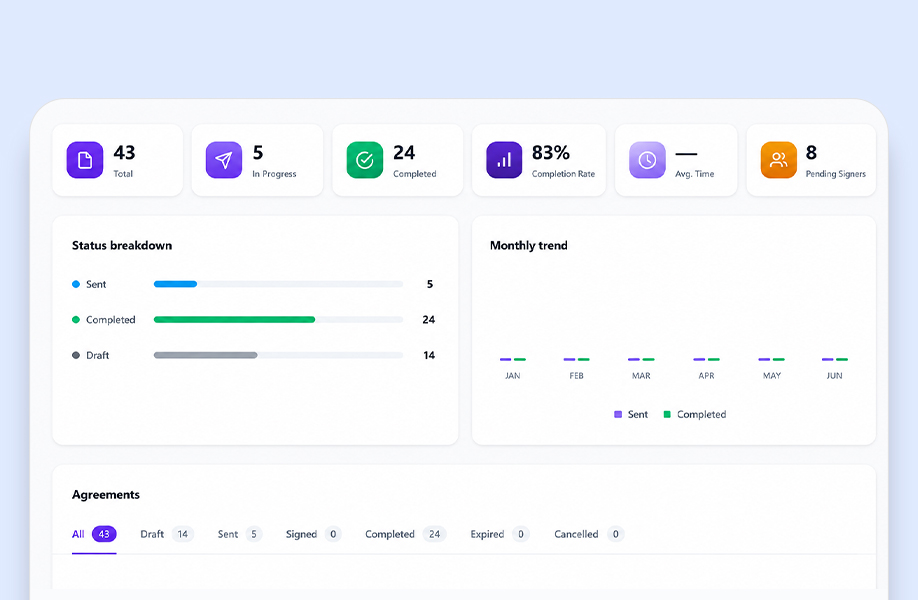
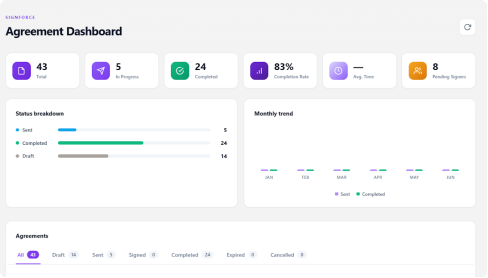
Track signed details, view completion rates, and verify event logs directly on your Agreement Dashboard.
Key Features of SignForce
Everything you need to create, send, sign, and manage documents securely within Salesforce.

Drag-and-drop document editor
Drop Signature, Initial, Date, Name, Email, Company, Title, Text, and Checkbox fields onto any PDF. Assign each field to a signer, set it required, and save — instantly.

Send for signature in one click
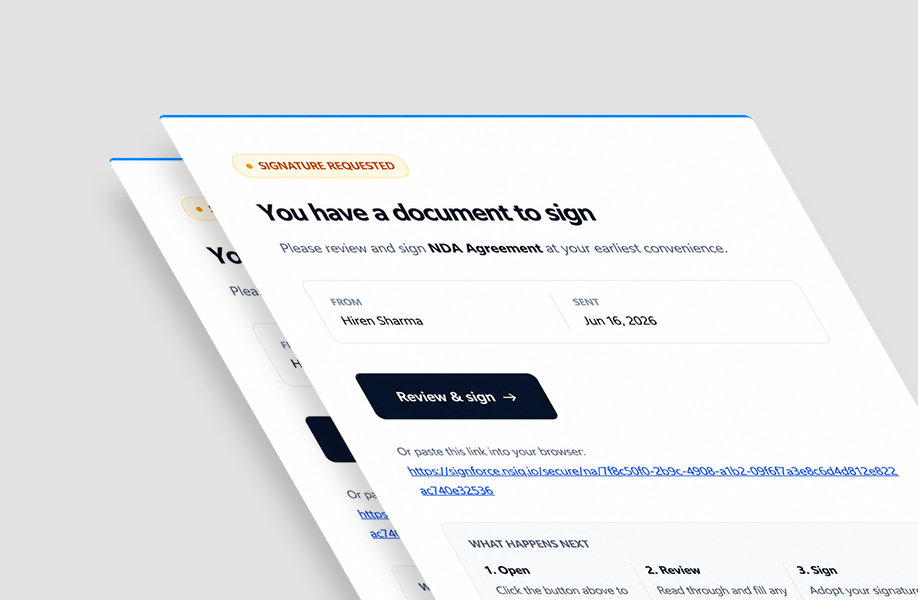
From any record, pick your signers, choose signing order, and send. Recipients get a branded, secure link — no account or login required.

Secure signing experience
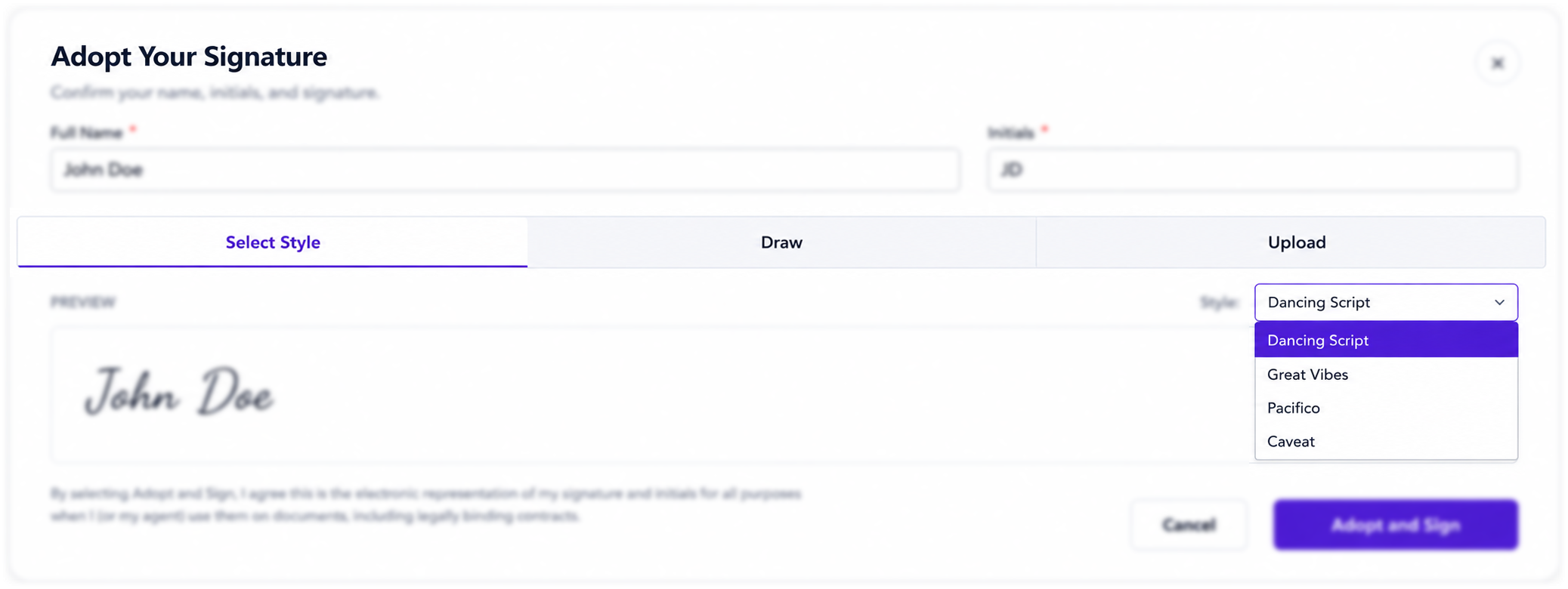
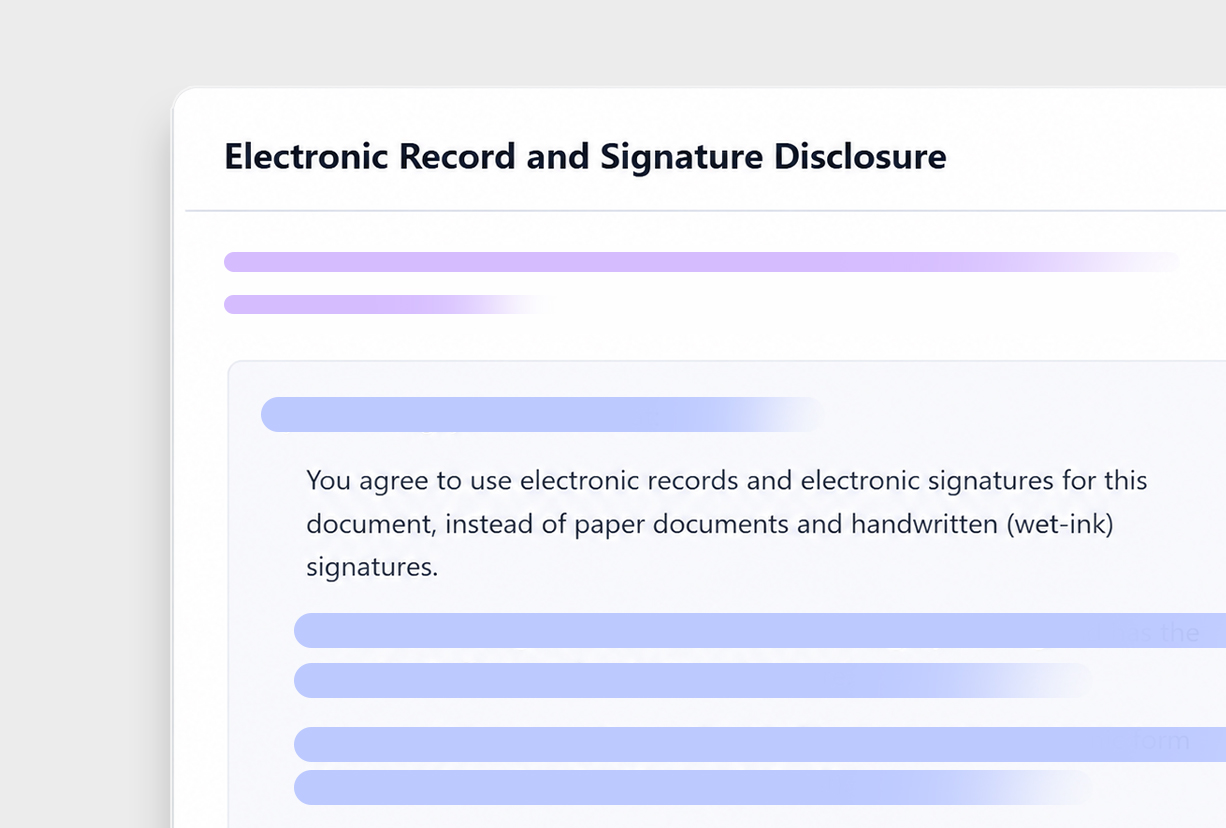
Each link is bound to the recipient's browser session, so forwarded links can't be misused. Clean, mobile-friendly signing with a guided "click to sign" flow.

Audit certificate, automatically
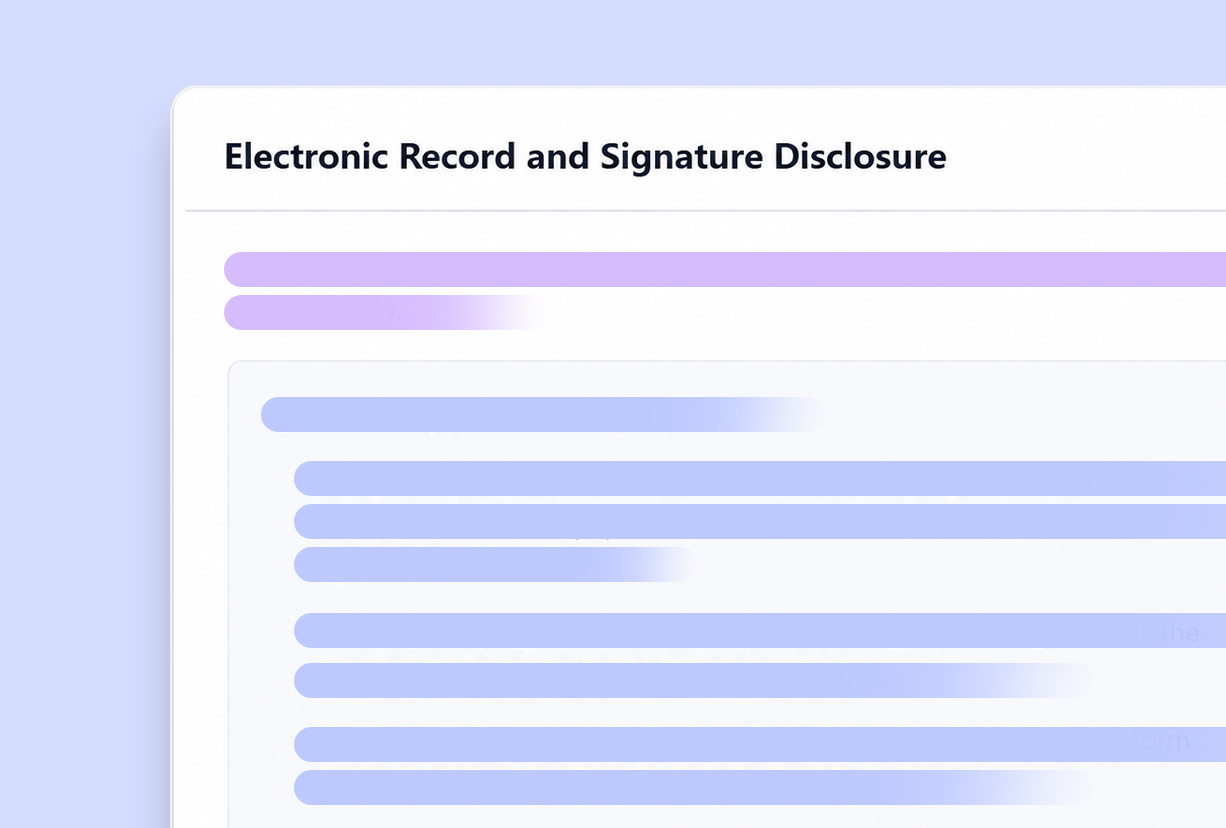
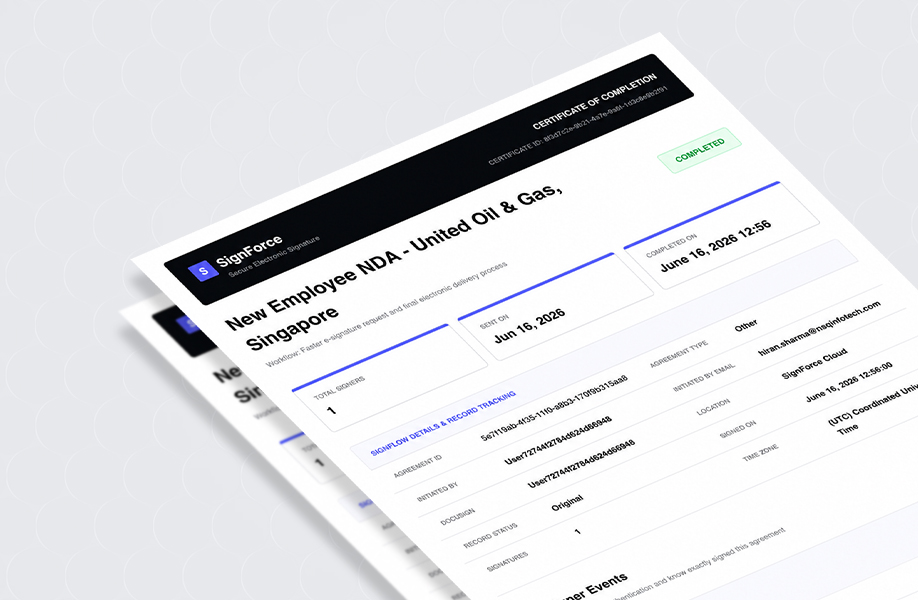
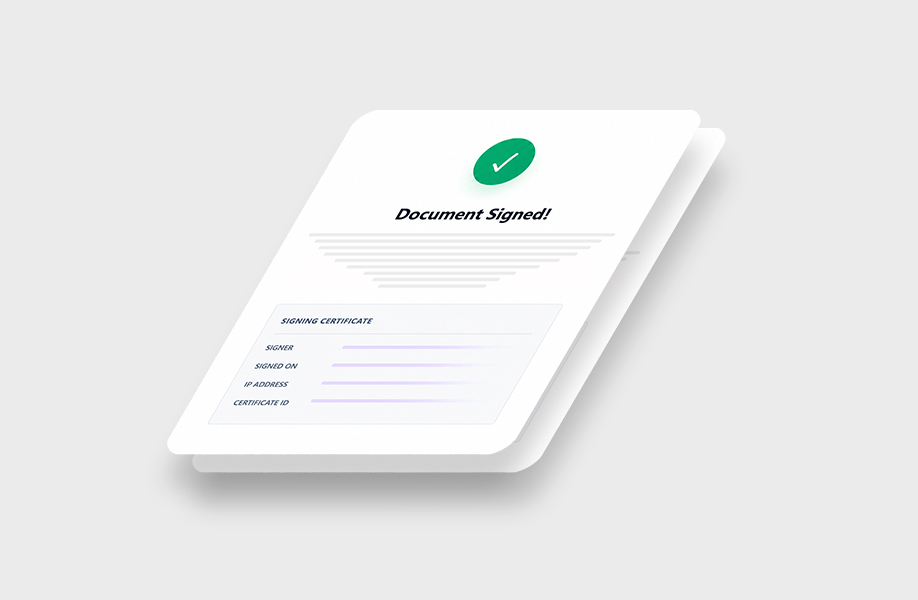
Every completed agreement generates a tamper-evident Certificate of Completion — signer identity, timestamps, IP, and a full event trail — stored right on the record.

Bulk send
Upload a CSV of signers and fire off hundreds of personalized agreements at once. Track status from a single dashboard.

Templates & automation
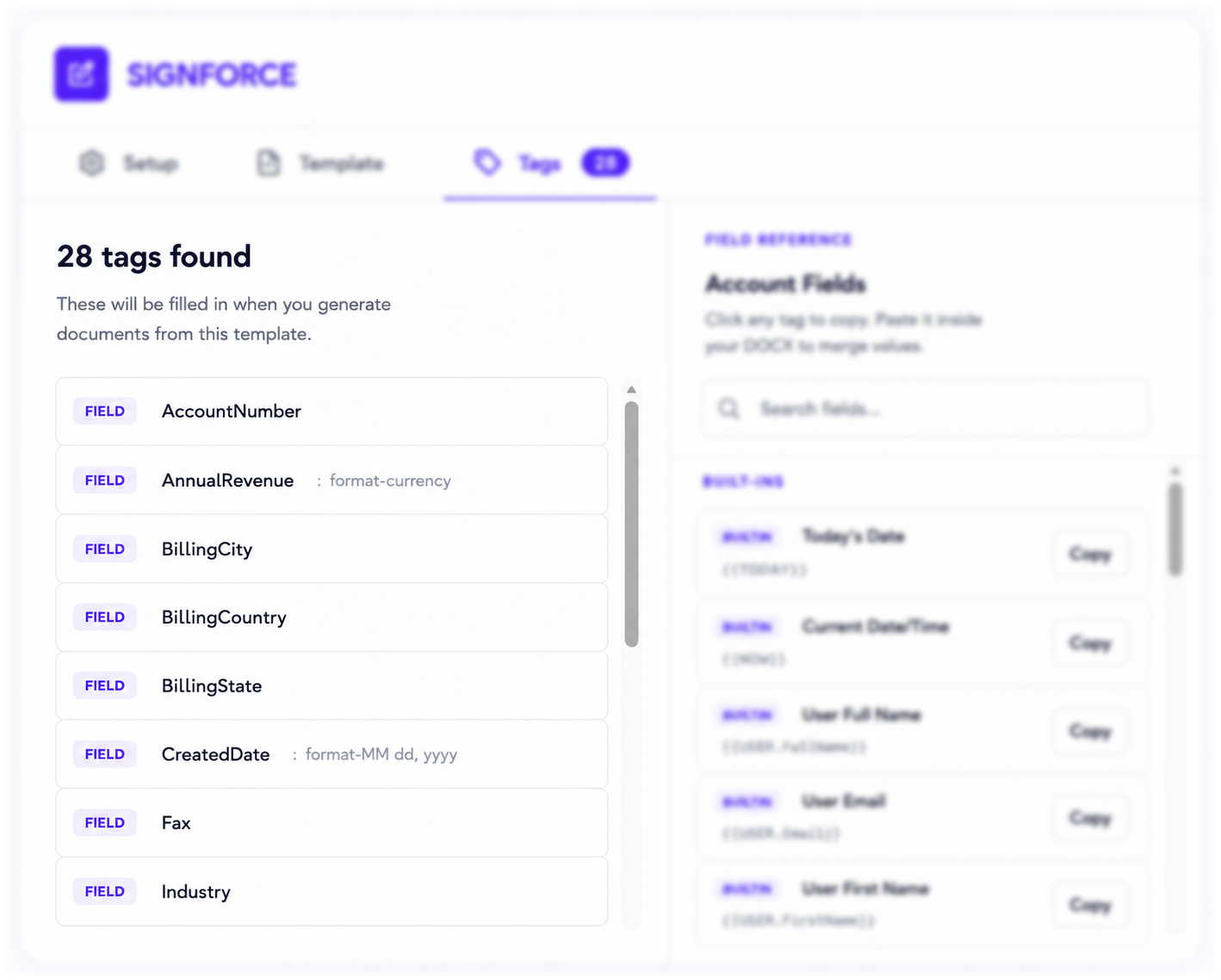
Save reusable templates, auto-generate documents from record data, and trigger sends from Flow. Set it once, send forever.
The Benefits of Smarter Agreement Management
From document creation to final signature, SignForce simplifies every step of the agreement lifecycle. Reduce manual work, accelerate approvals, and deliver a seamless signing experience.
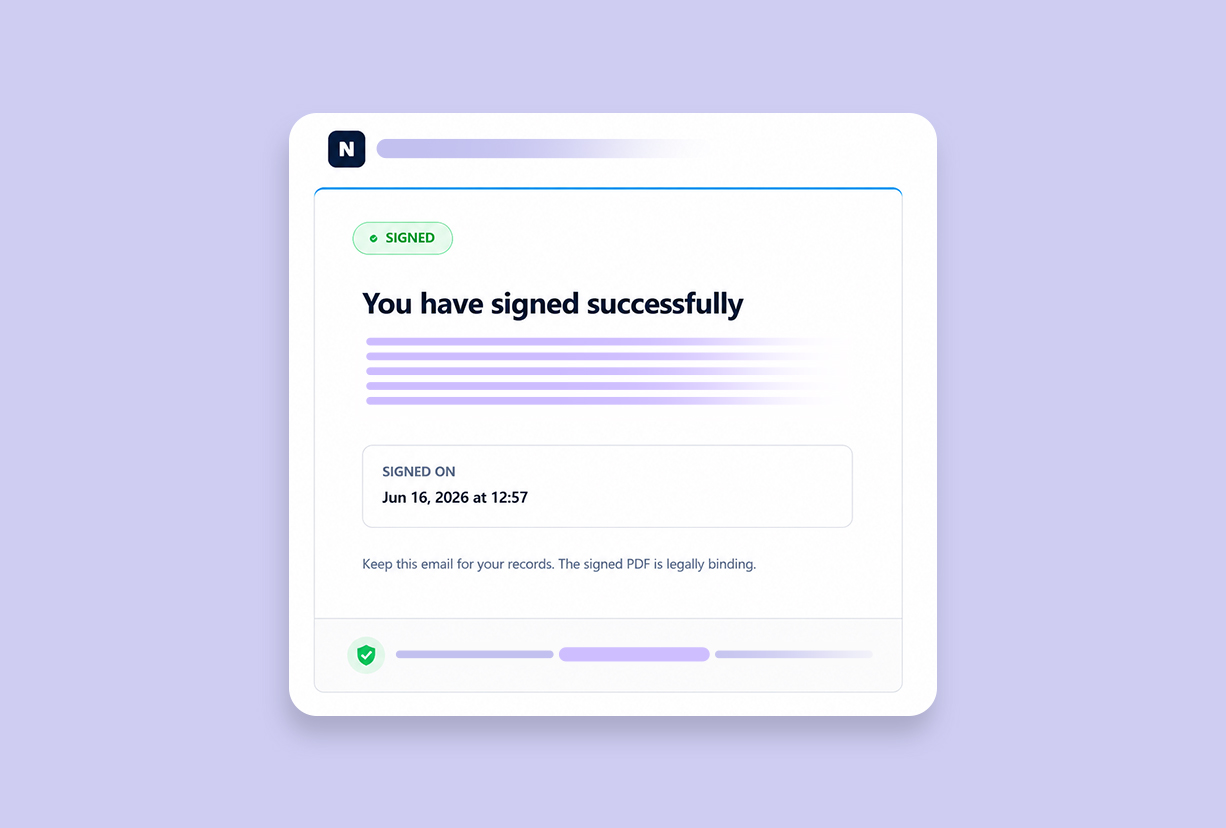
You have signed successfully
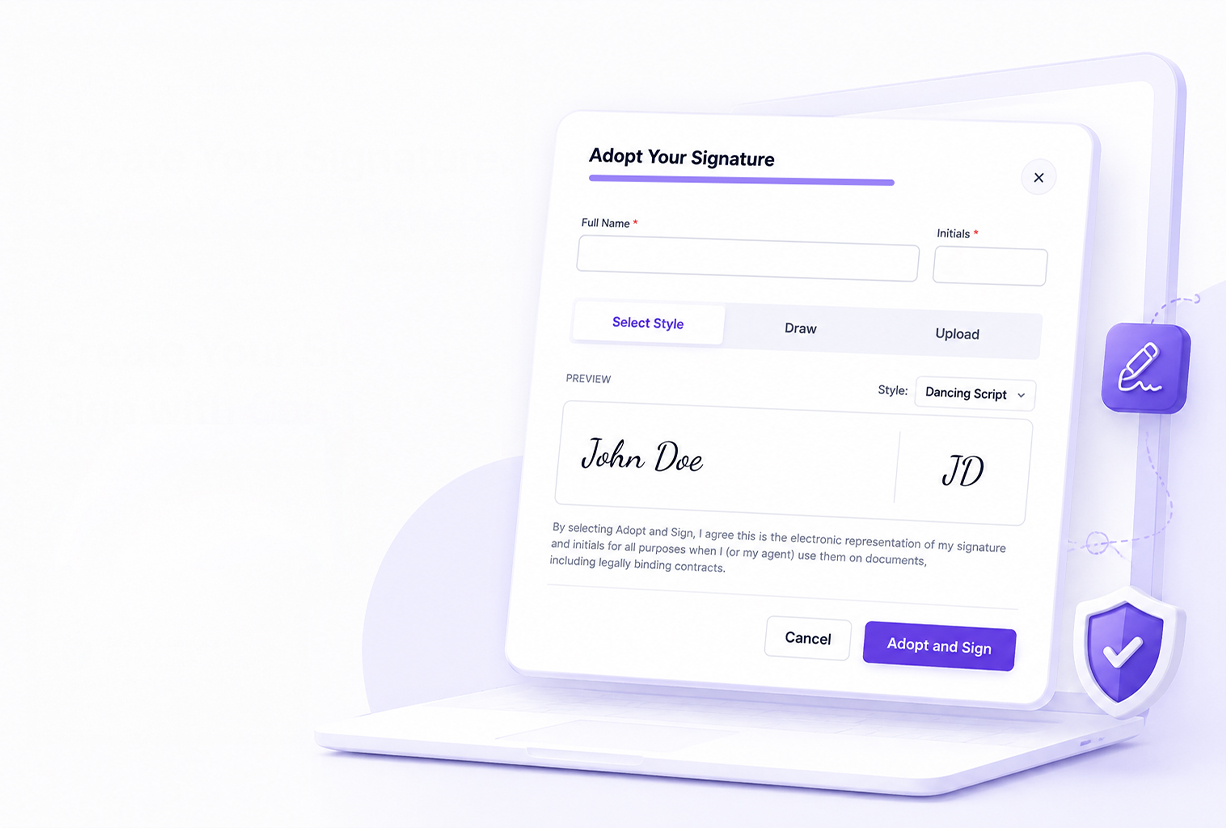
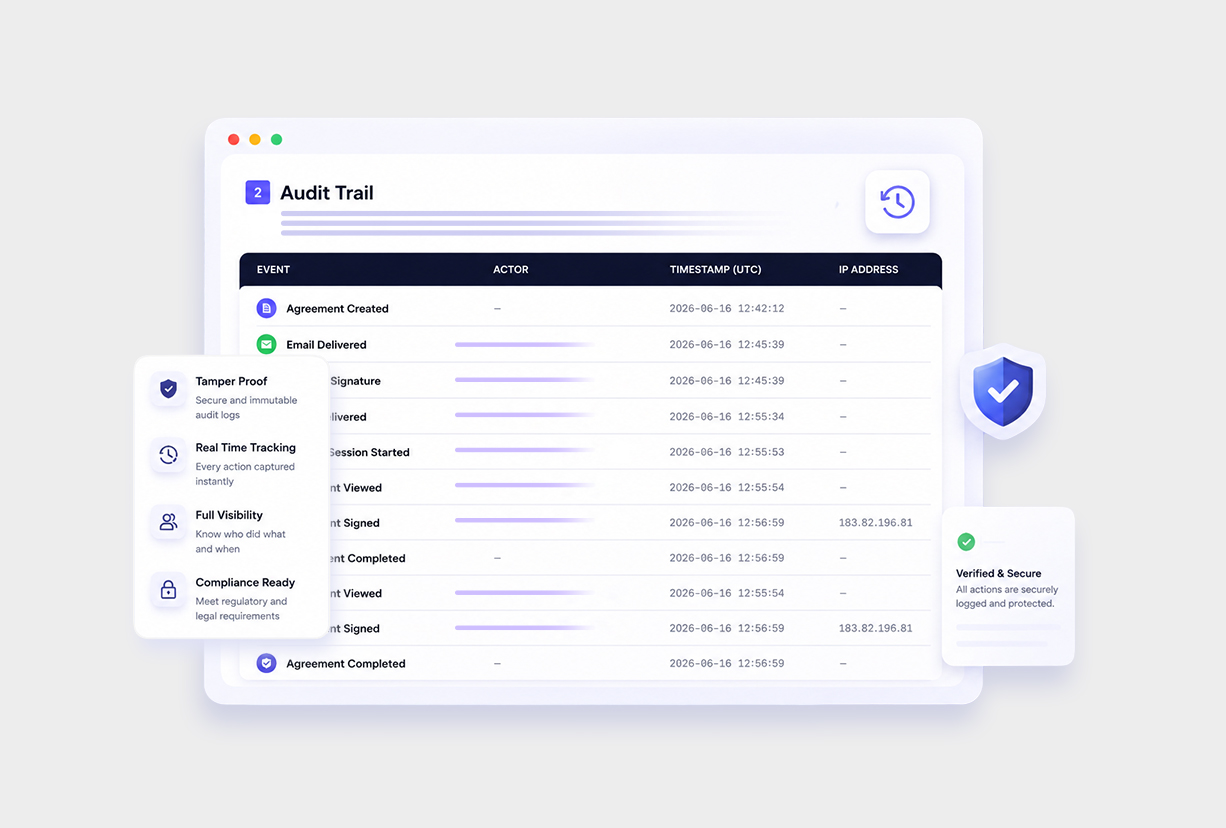
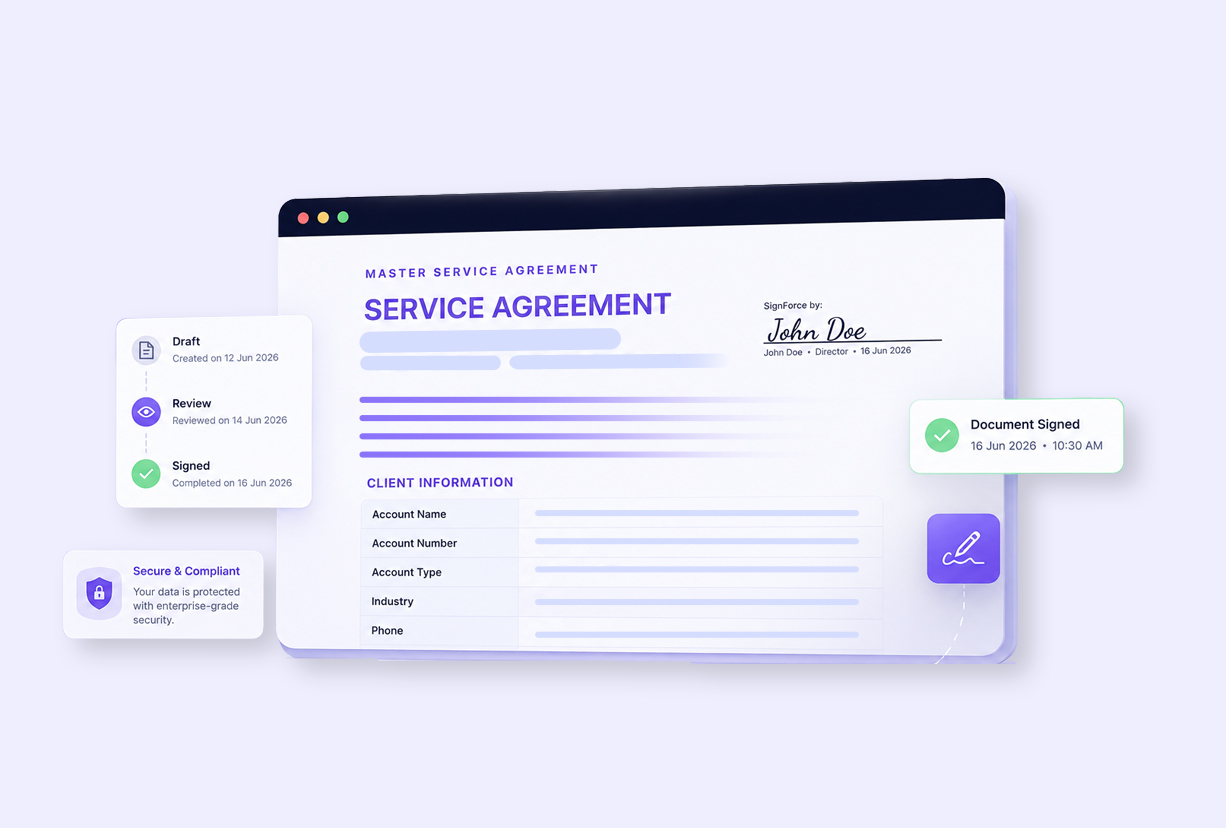
Accelerate Digital Approvals and Document Workflows
Simplify document signing, accelerate approvals, and enhance business efficiency with Signforce digital signature solutions.


Leading Companies Trust NSIQ To Implement Salesforce

Mr. JJAYY RAMCHANDANI
CEO - MICROSET INSTRUMENTATION & CONTROL
"Excellent work and professionalism by Mr. Malhar, Ms. Krisha, and the entire NSIQ Infotech team. The custom Salesforce solution they developed for our quotation management is impressive, with outstanding customization and attention to detail. We are very satisfied with their work and highly recommend NSIQ Infotech to any business looking for a reliable Salesforce CRM partner."

Hiren Shah
CEO (B2B Matrix)
“NSIQ INFOTECH PVT. LTD. successfully delivered the project. The team worked closely with the client to establish goals and kept them informed about any challenges or risks. Their resources were committed to the project and proactive in mitigating issues. Their technical skills were also impressive.”

Joshua Poletti
Technical Director of Salesforce Services (Banjaxed Solutions)
“NSIQ INFOTECH PVT. LTD. has consistently delivered their tasks, much to the client's delight. The team is highly proactive and responsive, and internal stakeholders are particularly impressed with the vendor's professionalism and personable approach.”

Leslie Lupton
Digital Operations Consultant (Essence)
“The NSIQ team was great to work with throughout the entire process. Scope of work was clearly defined, milestones were established and met, and daily communication and meetings throughout ensured that the tight deadline was met. The team was extremely knowledgeable and able to determine how best to migrate the data, resolving any questions or issues within hours. The time difference worked in our favor as the team was able to complete work during our overnight hours and we were able to review the next morning. We welcome the opportunity to be able to work with NSIQ again.”

Penny Lane
Owner (Quick Dry Restoration)
"NSIQ INFOTECH PVT. LTD.’s work has been met with positive acclaim. The team completes deliverables on time and responds quickly to the client's questions. In addition, they regularly communicate via email, virtual meetings, and a messaging app, resulting in a smooth collaboration with the client."

Reach Out to Us Today
Feel free to get in touch with our Salesforce experts today and explore how our team at NSIQ can make the ultimate difference in your operations and boost up your productivity.
Looking for an expert
Salesforce Consultant?
Let's discuss your requirements!
Here is contact us for your
Salesforce Solutions
Experience Next-Gen Technological Growth with our Salesforce Consulting Services.
 +91 83205 38768
 +1 404-702-7163
10th Floor, Heritage Chamber, Near Azad Society,Nehru Nagar, Ambawadi, Ahmedabad, Gujarat 380015.
221 Main St N #1606, St Petersburg FL 33716, USA.

Frequently Asked Questions
Let’s dive deep to know more about our Salesforce Implementation Services
Still have questions? We're here to help.
If you manage high transaction volumes or require custom integrations, our team can tailor NSIQ to your specific needs.
Contact Us