
What Do Institutions Like About Salesforce Education Cloud?
The most common praise is that Education Cloud adapts to how an institution already works, without forcing it onto a fixed admissions or advising tool.
- Customization. G2’s review summary puts customization and adaptability at the top of user praise. TrustRadius reviewers say the platform lets them build institution-specific needs into the database. Capterra reviewers say it can be shaped around admissions, recruiting and marketing.
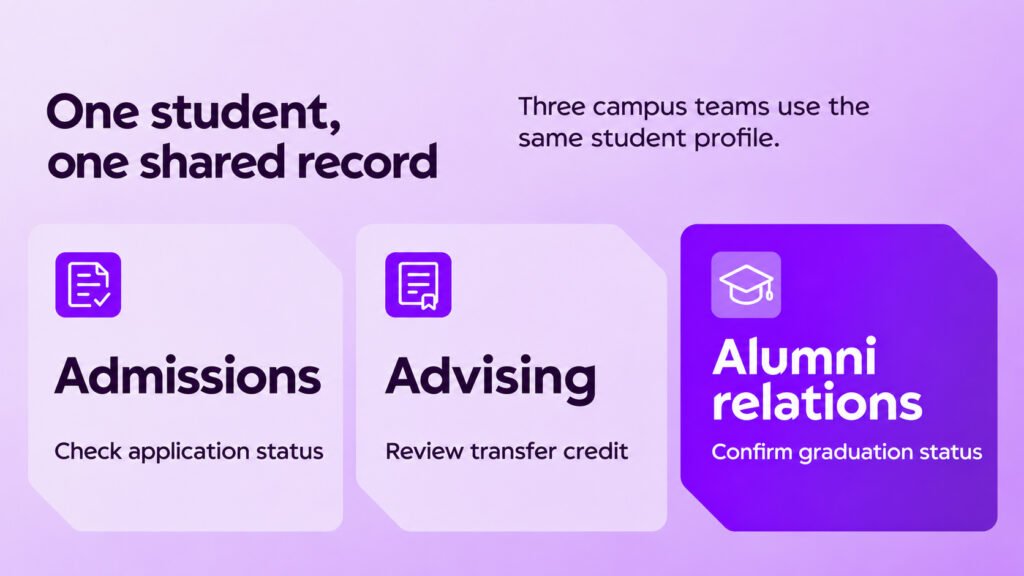
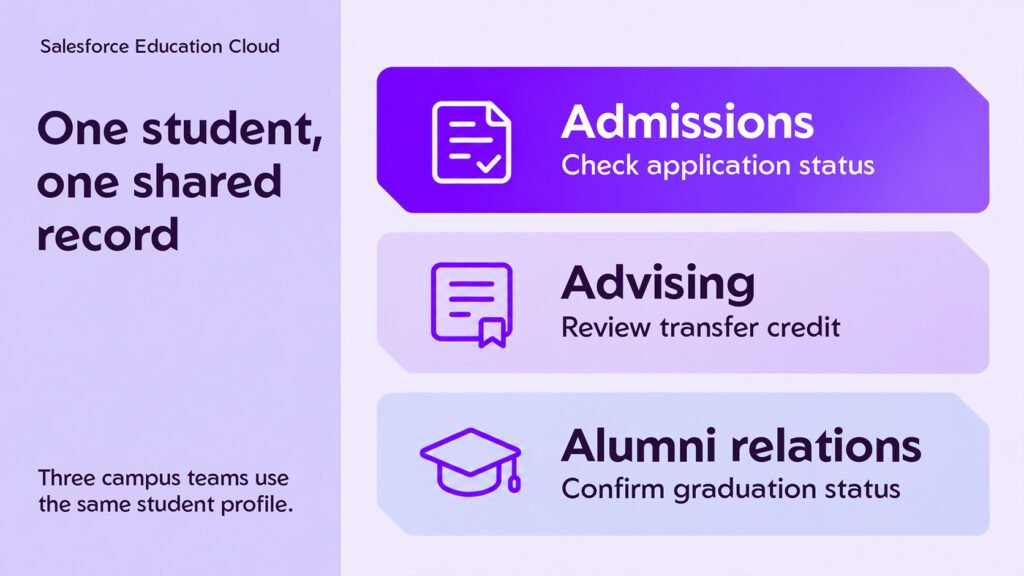
- One student recorded across departments. TrustRadius reviewers value having a single, consolidated view of each student that every office can see. This is the main reason institutions move off separate departmental tools.
- Coverage from prospect to alumni. Capterra reviewers note that it covers the whole student journey. One G2 reviewer lists admissions, scholarships, placement, internships and alumni as areas their university runs in the same system.
- Student advising. A higher-ed reviewer on TrustRadius calls advising one of the strongest use cases. It works like Service Cloud applied to student questions such as credit to graduate, a change of major or transfer credit.
- Automation and early alerts. G2 comparison pages, as summarized by RFP.wiki, point to strong automation, alerts and identification of at-risk students.
- The wider Salesforce ecosystem. Education Cloud runs on the core Salesforce platform. Institutions can add Tableau, MuleSoft, Slack and AppExchange apps as needs grow, which reviewers see as protection against outgrowing the system.
What Are the Common Complaints About the Education Cloud?
Most complaints are not about missing features. They are about how much effort it takes to set up, learn and run a highly configurable platform. In our experience as an implementation partner, nearly every one of them can be traced to a decision made, or skipped, during implementation.
| Complaint | What reviewers report | What it usually signals |
|---|---|---|
| Steep learning curve | Complex data structure, many layers of settings and permissions, and new staff who need thorough training (Capterra, TrustRadius) | Staff were trained on Salesforce in general, not on their own role’s daily tasks |
| Heavy setup effort | Implementation usually needs a consulting team or experienced in-house developers; presets are hard to change (TrustRadius) | Scope was too broad for the first phase, or the data model wasn’t designed up front |
| Weak native reporting | No ready-made reports out of the box; native reporting described as clunky or dated, with some teams moving to external BI (TrustRadius, Capterra, RFP.wiki) | Reports and dashboards weren’t treated as a go-live deliverable |
| Data quality gaps | Fields lost when leads convert to contacts; edits lost when two people update a record at once (individual TrustRadius reviewers) | Field mapping and record-ownership rules weren’t tested before launch |
| Uneven feature maturity | One reviewer rates advising and Experience Cloud as mature but recruitment as less so (TrustRadius) | Recruitment may need AppExchange add-ons or custom work |
| Support experience | Salesforce support quality depends on which agent you get (TrustRadius); support scores trail some specialist tools on G2 comparisons (RFP.wiki) | Plan for a partner or in-house admin as the first line of support |
| Integration cost | SIS and ERP integrations often need middleware or a partner, adding time and cost (RFP.wiki) | Integration wasn’t scoped or budgeted in the original plan |
How reviews differ by use case
Admissions is the most reviewed use case and advising the most praised, while advancement and alumni work barely appears in public reviews.
| Use case | How often reviewed | What reviewers say |
|---|---|---|
| Recruitment & admissions | Most often | Used for lead tracking, web forms, campaigns, collecting application materials, setting deadlines and assigning applications to reviewers. One admissions user found it easy to learn and said it eased the move to digital forms. Another reviewer rates recruitment as less mature than advising. |
| Student advising & success | Often | Case management for course questions, major changes and transfer credit. Described as one of the strongest use cases. |
| Alumni & advancement | Rarely | One reviewer mentions an alumni portal for engagement and metrics. No public reviewer covers fundraising in depth, so ask Salesforce for advancement references. |
| K-12 and corporate training | Occasionally | A few reviews come from K-12 schools and from employee training programs. Most reviewers work in higher education. |
For registrars, note that Education Cloud is a CRM, not a student information system. Reviewers describe it running alongside an SIS and pulling data from it, not replacing it.
How Much Does Salesforce Education Cloud Cost?
Licenses start at $87 per user per month on an annual contract, and reviewers say the implementation cost is the bigger factor for smaller schools.
Salesforce’s US Education Cloud pricing page (nonprofit pricing) lists these editions:
| Edition | List price (USD per user per month, billed annually) |
|---|---|
| Sales & Service Core | $87 |
| Sales & Service Advanced | $131 |
| Sales Max / Service Max | $350 |
| Sales & Service Max | $363 |
A Premier Success Plan is included in all of these editions. Agentforce for Education, Education Cloud Student, Experience Cloud for Education and Actionable Insights are priced separately. For-profit institutions get a different pricing guide through their account executive.
On value, reviewers are mostly positive but cautious:
- Capterra users give value for money 4.2 out of 5, below their scores for features.
- G2 places Education Cloud at the top of its perceived-cost scale.
- A TrustRadius reviewer says the upfront implementation cost is significant and may not pay back for smaller schools or some nonprofits.
- RFP.wiki notes that native reporting pushes many teams toward paid analytics add-ons, which raises license costs.
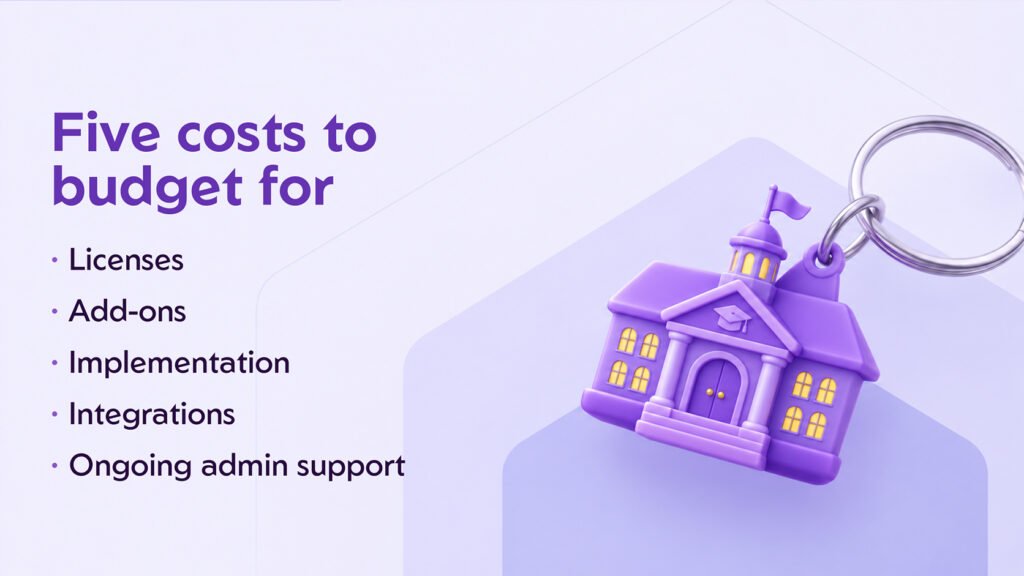
When you budget, count five lines, not one: licenses, add-ons, implementation, integrations and ongoing admin support.
Who Education Cloud fits, according to reviewers
Reviewers agree that Education Cloud works best for mid-sized and large institutions that want one CRM across several offices and have, or can hire, the Salesforce skills to run it.
A strong fit if you:
- Want admissions, advising, student services and alumni relations working from one student record
- Already run Salesforce elsewhere on campus, or have IT capacity to support it
- Expect to add departments, AI agents or analytics over time
A weaker fit if you:
- Are a small school that needs an admissions-only tool and has no dedicated admin
- Need value within one term with minimal setup
- Can’t budget for implementation and integration on top of licenses
If you fall in the second group, G2 lists Slate by Technolutions (4.4 from 74 reviews) as a common admissions alternative. Workday Student and PowerSchool SIS also show up as alternatives, but they are student information systems, not CRMs.
How to avoid the problems reviewers describe
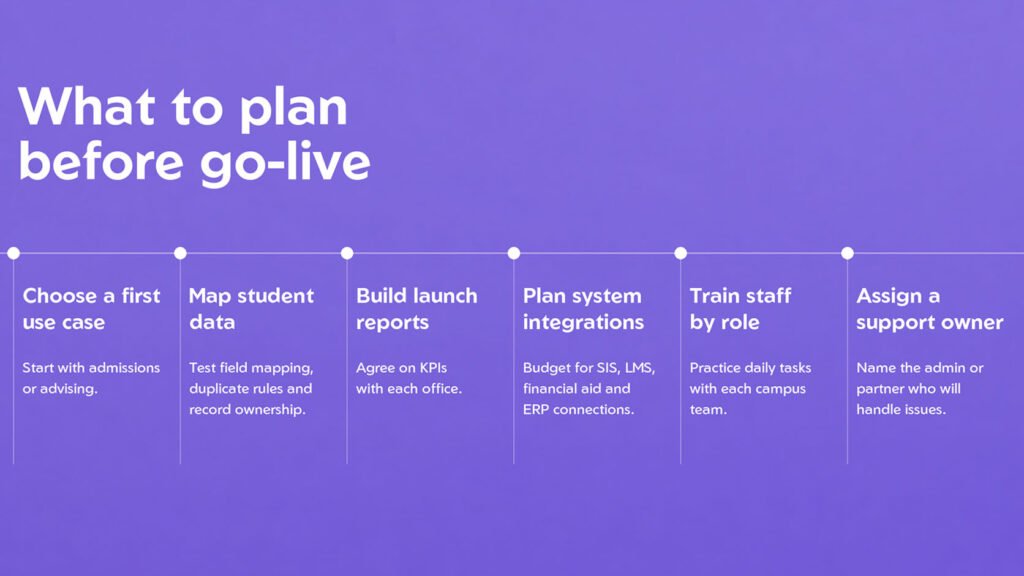
The complaints in public reviews make a useful checklist for your own implementation. Here is how we plan Education Cloud projects at NSIQ so those issues don’t show up in your team’s reviews a year from now.
- Start with one domain. Launch admissions or advising first, prove adoption, then expand. A broad first phase is the most common cause of the “heavy setup” complaint.
- Design the data model before you migrate. Map lead-to-contact conversion, duplicate rules and record ownership up front, and test them with real records. This prevents the lost-field and overwritten-record problems reviewers mention.
- Ship reports and dashboards with go-live. Agree on the 10 to 30 KPIs each office needs and build them before launch. Decide early whether native reports are enough or whether you need Tableau or Education Cloud Intelligence.
- Scope integrations as their own workstream. List every SIS, LMS, financial aid and ERP connection, and budget for middleware where needed.
- Train by role, not by product. Give admissions counselors, advisors and registrars short, task-based training in their own screens. Set up permission sets by role so new staff see only what they need.
- Plan who supports the platform after launch. Name an in-house admin or a partner as first-line support, so you aren’t relying only on Salesforce support.
What this looks like in practice
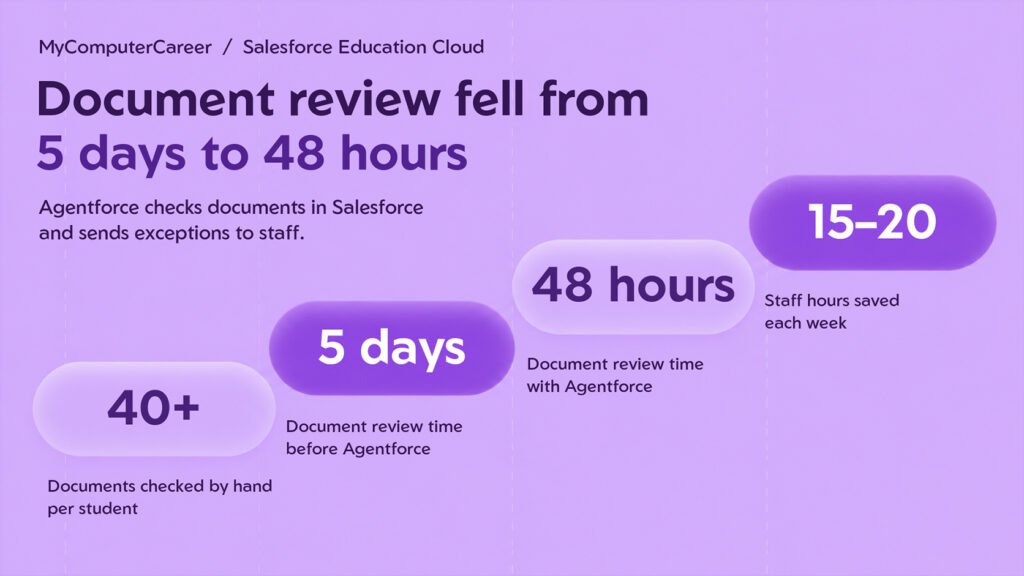
MyComputerCareer, a national career-education provider with several campuses, had admissions, financial aid, VA services, education and career services each running separate tools and separate student records. Financial aid and VA checks meant reviewing more than 40 documents per student by hand.
NSIQ built an Agentforce compliance agent that checks enrollment and compliance documents inside Salesforce and sends exceptions to staff. Document review dropped from 5 days to 48 hours, returning 15 to 20 staff hours a week. The wider program moves six functions onto Education Cloud with one unified student record, replaces 13 point-to-point integrations, and is delivering 32 certified KPIs in Tableau Next.
Planning an Education Cloud implementation?
NSIQ is a Salesforce consulting partner based in USA and India, focused on Education Cloud, Agentforce and Data 360 for colleges, universities and career-education providers. Talk to our Education Cloud team to scope a first phase that avoids the problems in these reviews.
Frequently asked questions
Is Salesforce Education Cloud well reviewed?
Yes. It scores 4.2 out of 5 on G2, 4.5 on Capterra and Software Advice, and 7.4 out of 10 on TrustRadius. The usual criticisms are the learning curve, setup effort, native reporting and cost.
Is Education Cloud the same as Agentforce Education?
Yes. G2 and TrustRadius now list the product as Agentforce Education, formerly Salesforce Education Cloud. Salesforce’s own pricing page still uses the Education Cloud name for its editions.
How much does Salesforce Education Cloud cost?
Salesforce’s US pricing page lists editions from $87 to $363 per user per month, billed annually. Add-ons, implementation and integrations cost extra, and for-profit institutions are priced separately.
Is Education Cloud a student information system?
No. It is a CRM built on the Salesforce platform for recruitment, admissions, student success, advancement and alumni relations. Most institutions connect it to their existing SIS.
Do you need a partner to implement an Education Cloud?
TrustRadius reviewers say implementation usually needs a consulting team or experienced in-house developers. A partner is most useful for data model design, SIS integration and the first phase of rollout.