Introduction
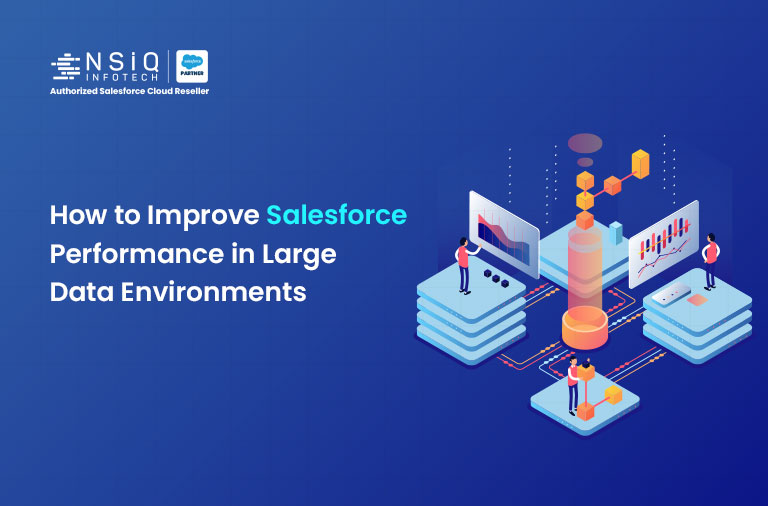
Practical ways to keep Salesforce fast when your data grows.
As businesses grow, their Salesforce org also grows. More customers, more transactions, more integrations, and more automation slowly increase the amount of data inside the system.
At the beginning, everything works fast. But after some time, teams may notice small delays. Reports take longer to open, list views load slowly, or automation processes take extra time.
This usually happens when the Salesforce org starts handling a large amount of data. It doesn’t mean something is broken; it simply means the system needs better optimization.
In many Salesforce implementations, performance can be improved by reviewing data structure, automation, and query usage.
Let’s look at some practical steps teams use to maintain performance in large Salesforce environments.
1. Optimize the Data Model
The way objects and fields are structured in Salesforce affects how quickly the system retrieves data.
Over time, organizations add many custom fields, lookup relationships, and objects as new business needs appear. While this is normal, too many relationships between objects can make queries slower.
Admins should sometimes check the data model and see if there are fields or relationships that nobody is using anymore. Over time, many extra fields get added in Salesforce, and they just stay there.
If the structure stays simple and clean, Salesforce usually loads records faster, and things work more smoothly.
2. Handle Large Data Volumes Carefully
When a Salesforce org starts holding hundreds of thousands or even millions of records, handling the data properly becomes important.
In many companies, old records stay in the same objects that users use every day. Most of the time, nobody opens those records, but they still affect reports and queries running in the background.
Many teams handle this by archiving old records or moving them to some other place for storage.
When the main dataset stays smaller, Salesforce can run reports and queries faster.
3. Review Automation Regularly
Automation is very useful in Salesforce, but having too many automations can slow the system.
When someone creates or updates a record, different automations can start running together. This can include flows, triggers, or even old workflow rules that are still active.
If many automations are linked to the same object, Salesforce has to run them one by one. Because of this, the process can take more time.
So it is a good idea to check automation from time to time and remove processes that are not really needed anymore.
4. Use Efficient SOQL Queries
For developers, queries also affect system speed.
If a query pulls a lot of records or does not use proper filters, it can slow things down.
In bigger Salesforce orgs, developers usually try to write queries in a smarter way so that only the needed records are returned.
When filters are used properly and extra fields are avoided, queries usually run faster.
5. Monitor System Performance
It is also important to check system performance from time to time.
Salesforce has tools like debug logs and other monitoring tools that help admins and developers see if something is running slowly.
When teams check these tools regularly, they can find problems early and fix them before users start noticing delays.
Quick FAQ: Everything You Need to Know
1. Why does Salesforce become slow when data grows?
When the amount of data becomes very large, reports, queries, and automation may take more time to run. When the system has too many records or many automations are running at the same time, Salesforce can slow down. Queries that are not written properly can also cause delays.
2. What is considered a large data volume in Salesforce?
Organizations managing hundreds of thousands or millions of records usually need additional optimization strategies.
3. Can automation affect performance?
Yes. When many automations run at the time a record is updated, the system may take a little longer to finish the process.
4. How can large datasets be managed effectively?
In many companies, old records are moved to an archive so they don’t stay in the main data. Teams also try to write better queries so the system only pulls the data that is really needed.
5. Who should monitor Salesforce performance?
Salesforce admins and developers usually work together to monitor and optimize system performance.
Conclusion
Salesforce is built to support growing businesses, but performance management becomes more important as data volumes increase.
If the data structure is kept clean, large data is handled properly, automation is checked from time to time, and system performance is watched regularly, then the Salesforce org usually runs smoothly.
When Salesforce is well-maintained, users can work faster. Work gets done more easily, productivity improves, and daily business tasks become simpler for teams.